How to copy a step on an automation in Mailchimp
Here is how to copy a step on an automation in mailchimp
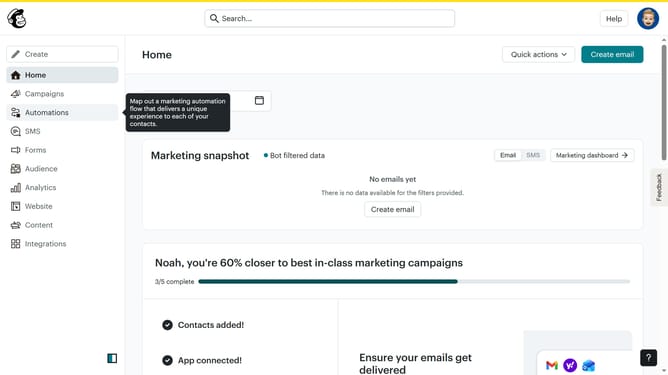
- First click on the "Automations" item in the left sidebar menu
- Next click on the "Finish Setup" button in the main automation flow screen
- Next click the options menu (three dots) in the top-right corner of the "Remove tag 2025" block in the flow builder
- Then select the "Copy" option from the dropdown menu that appears
- Finally click on the "Paste here" placeholder area below the original tag block to paste the copied journey point
Why should you copy a step on an automation in Mailchimp
Mailchimp is a leading marketing platform designed for small businesses to send beautifully crafted automated emails.
Copying a step in an automation streamlines your workflow by saving time and ensuring consistent messaging.
This feature allows you to effortlessly replicate complex sequences, reducing setup errors and maintaining uniformity across campaigns.
Utilizing this feature boosts productivity, empowering you to efficiently manage your marketing efforts with precision.
Last update