How to change body color of an email campaign in Mailchimp
Here is how to change body color of an email campaign in mailchimp
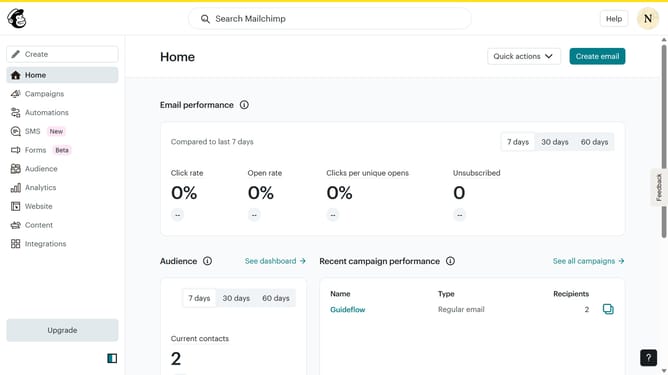
- First click on "Campaigns" item in the left sidebar
- Then click on "Edit" button for the campaign that you want to manage
- Then click on "Edit design" button
- Then click on "Styles" item in the left sidebar
- Then click on "Background" item in the "Email Design" section
- Then click on the circle icon next to "Body color"
- Then select a color from the color picker
- Finally click on "Save and exit" button
Why should you change body color of an email campaign in Mailchimp
Mailchimp is a versatile platform that empowers businesses to craft beautiful, effective email campaigns.
Changing the body color of your email campaign in Mailchimp allows for enhanced aesthetic appeal and ensures brand consistency. By aligning email visuals with your brand’s color palette, you create a cohesive and memorable experience for your audience.
This feature not only aids in capturing attention but also evokes the desired emotional responses from your recipients, potentially increasing engagement and brand loyalty.
Last update