How to create a regular email in Mailchimp
Here is how to create a regular email in mailchimp
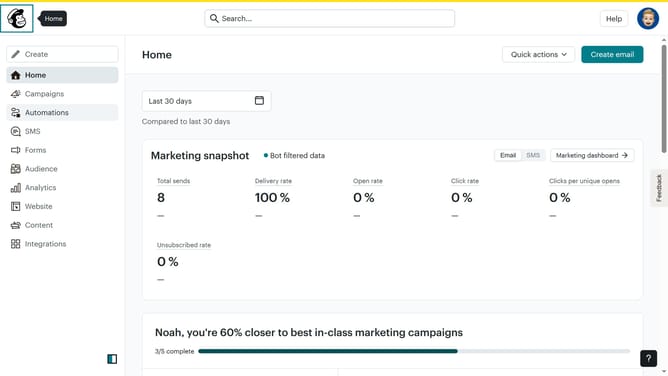
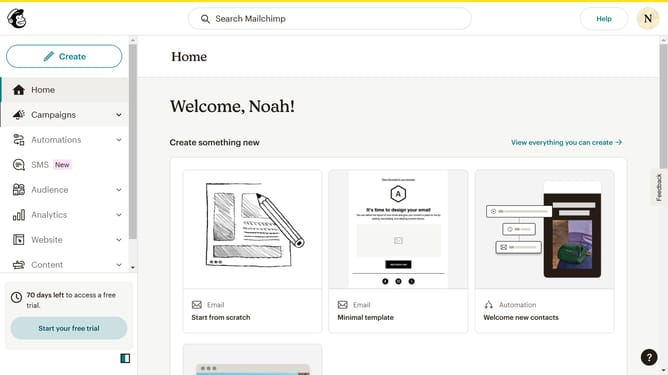
- First click on the "Create" button in the header menu
- Then click on the "Email" option in the create menu dropdown
- Then click on "Regular" in the expanded email options
- Then click on the input text field to enter the email name
- Then click on the "Begin" button to start creating your email
- Finally select the "From scratch" option in the email design template selector
Why should you create a regular email in Mailchimp
Mailchimp is a powerful platform that simplifies email marketing for businesses of all sizes.
Creating a regular email in Mailchimp is a seamless process that offers a variety of features designed to enhance communication with your audience.
With customizable templates and easy-to-use design tools, crafting a visually appealing email becomes effortless, allowing you to connect with your audience effectively.
This feature not only saves time but also ensures your messages are professionally presented, fostering better engagement and stronger relationships with your subscribers.
Last update