How to reopen a comment on a campaign in Mailchimp
Here is how to reopen a comment on a campaign in mailchimp
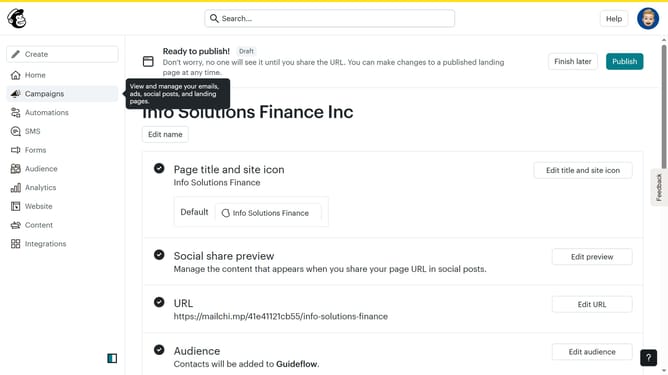
- First click on "Campaigns" in the left sidebar menu
- Then click on "WIP" campaign from the campaign list
- Next click on "Edit design" button in the email preview section
- Click on "Comment" button in the top toolbar of the email editor
- Next click the "Resolved" tab in the comments panel at the right side of the screen
- Then click the "Reopen" button in the comment card in the comments panel
- Finally click on the "Open" tab in the comments panel header to return to open comments
Why should you reopen a comment on a campaign in Mailchimp
Mailchimp is a versatile platform designed to empower businesses in executing successful email marketing campaigns.
The ability to reopen a comment on a campaign in Mailchimp fosters collaborative flexibility, allowing teams to revisit discussions seamlessly.
This feature is particularly beneficial for tracking the evolution of ideas or revisiting details that may require more attention.
By reopening comments, you enhance communication efficiency, ensuring valuable insights and feedback are always accessible to all stakeholders involved.
Last update