How to resize an image block in Mailchimp
Here is how to resize an image block in mailchimp
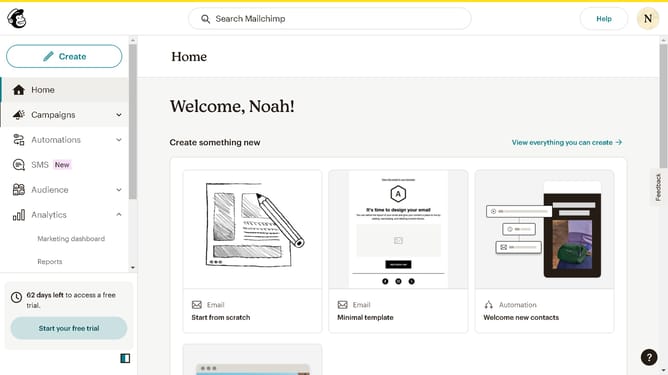
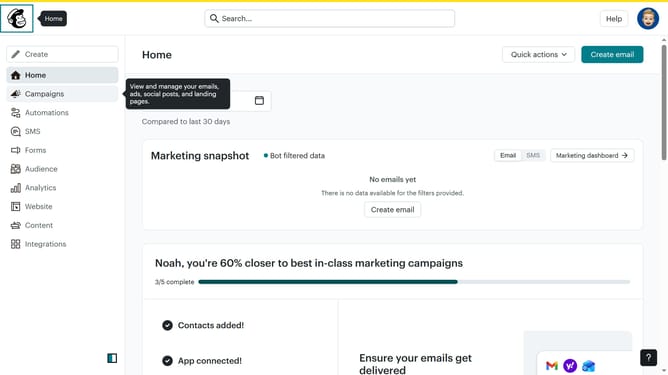
- First click on "Campaigns" item in the sidebar
- Then click on "Edit" button
- Then click on "Edit design" button
- Then click on the image that you want to edit
- Finally use the resize icons to manage the image size
Why should you resize an image block in Mailchimp
Mailchimp is a dynamic platform designed to streamline and amplify email marketing efforts.
The ability to resize an image block in Mailchimp allows users to tailor their visuals to perfect dimensions. This feature enhances the visual impact of email campaigns, ensuring images complement and enhance the overall design.
Using resized images leads to a more polished appearance, aligning with brand aesthetics and engaging the audience more effectively. By optimizing visual content, marketers can boost their message's clarity and influence, strengthening reader connection.
Last update