How to change the button border style in an email campaign in Mailchimp
Here is how to change the button border style in an email campaign in mailchimp
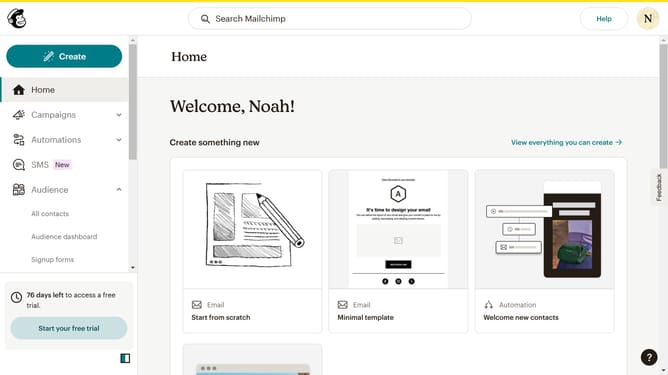
- First click on "Campaigns" in the left sidebar
- Then click on the "Edit" button on the "Home" page
- Then click on the "Edit design" button at the bottom of the page
- Then click on the "Styles" option in the left sidebar
- Then click on "Button" in the "Email Design" section
- Next click on the border style dropdown
- Finally select a style from the dropdown menu
Why should you change the button border style in an email campaign in Mailchimp
Mailchimp is a versatile platform dedicated to simplifying your email marketing needs.
Customizing the button border style in an email campaign isn't just about aesthetics—it's about reinforcing your brand's identity and grabbing attention.
By tailoring your button's look, you align it more closely with your brand image, ensuring consistency and professionalism across all communications.
This small adjustment can greatly enhance the visual appeal and impact of your campaigns, encouraging more engagement from your audience.
Last update