How to manage paragraph letter spacing in an email campaign in Mailchimp
Here is how to manage paragraph letter spacing in an email campaign in mailchimp
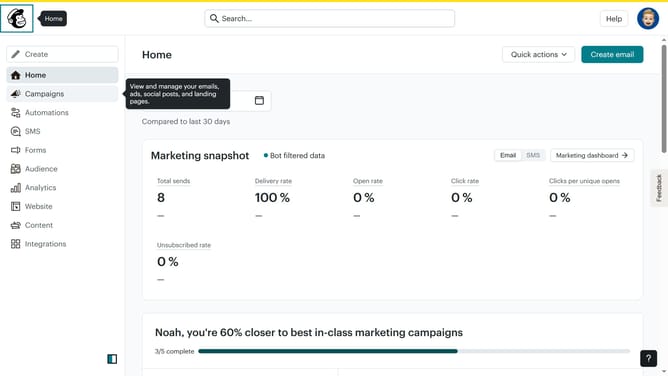
- First click on the "Campaigns" item in the left sidebar
- Then click on the "Edit" button
- Next, click on the "Edit design" button at the bottom right
- Then click on the "Styles" item in the left sidebar
- After that, click on the "Text" option
- Finally, click into the "Letter spacing" input field and enter your preferred spacing value
Why should you manage paragraph letter spacing in an email campaign in Mailchimp
Mailchimp is a versatile platform empowering users to craft, send, and analyze effective email campaigns.
One of its handy features lets you manage paragraph letter spacing, which can significantly enhance the readability and aesthetics of your emails.
Adjusting letter spacing ensures your message is clear and engaging, helping the text breathe and guide the reader's eye smoothly across content.
Utilizing this feature can make your emails not only visually appealing but also more accessible to diverse audiences.
Last update