How to import contacts in Mailchimp
Here is how to import contacts in mailchimp
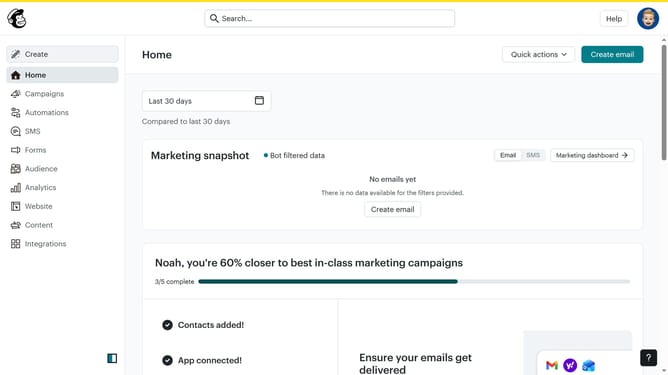
- First click on "Audience" in the left sidebar menu
- Next click on the "Add contacts" dropdown button in the top toolbar
- Then select "Import contacts" from the dropdown menu
- Next click on "Upload a file" option in the import method selection
- Then click the "Continue" button to proceed with file upload
- Next click on "Select a file" button to choose a file from your computer
- After selecting the file, click "Continue" to move to the next step
- Then click "Continue" on the organize contacts screen
- Next click on the tags search field to add tags
- Then select "Member" from the tags dropdown list
- Click "Continue" to proceed to the next step
- Again click "Continue" after reviewing the field mapping
- Then click "Finalize import" button to start the import process
- Click "Complete Import" button to finish the import
- Finally click "Start a campaign" button after reviewing the import results
Why should you import contacts in Mailchimp
Mailchimp is your go-to platform for seamless email marketing and audience management.
One of its powerful features is the ability to effortlessly import contacts. This allows you to consolidate your audience from various sources into one cohesive platform.
By importing contacts, you ensure efficient communication and can leverage Mailchimp's advanced segmentation tools to target your audience precisely.
This streamlined process enhances productivity, allowing you to focus on what truly matters - building strong relationships with your audience.
Last update