How to access contact export history in Mailchimp
Here is how to access contact export history in mailchimp
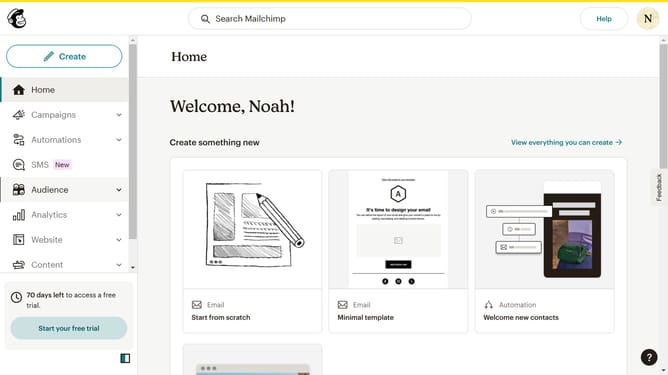
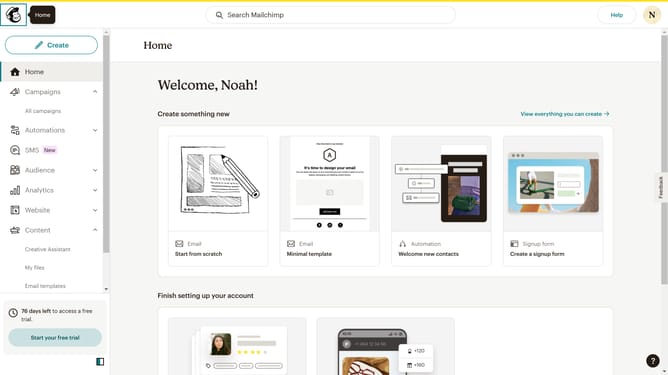
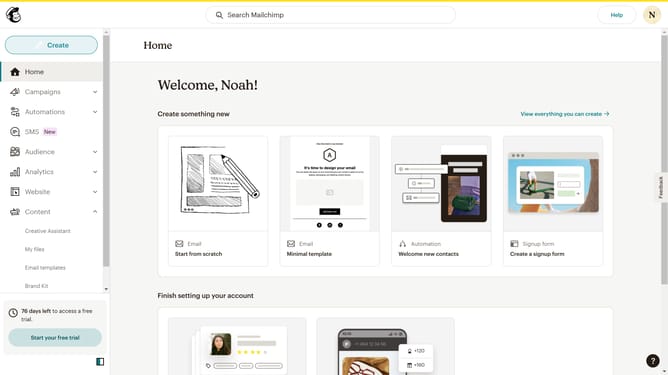
- First click on the "Audience" option in the left sidebar navigation menu
- Next click on the "More options" dropdown button in the top-right corner of the contacts page
- Then select "Export history" from the dropdown menu that appears
- Next click on the checkbox next to the exported contact email in the list
- Finally click the "Download CSV" button to download the exported contact data
Why should you access contact export history in Mailchimp
Mailchimp, a leading marketing automation platform, empowers businesses to streamline email campaigns and manage customer relationships effectively.
Accessing contact export history in Mailchimp provides an invaluable insight into data management activities, helping users keep track of their vital subscriber information conveniently.
This feature ensures transparency in data handling, supporting users in making informed decisions by reviewing past actions.
It fosters confidence and efficiency, making it a crucial asset for maintaining organized and up-to-date contact databases.
Last update