How to filter campaigns to ad in Mailchimp
Here is how to filter campaigns to ad in mailchimp
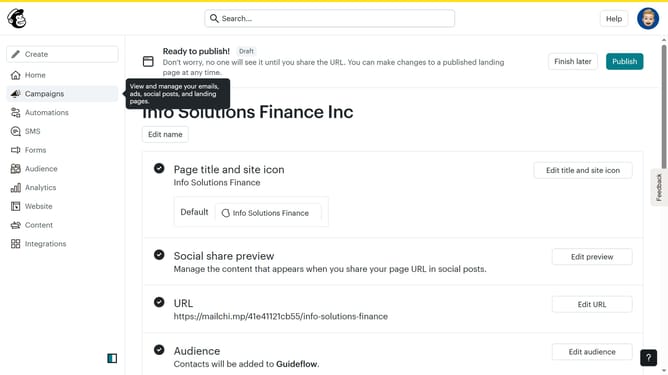
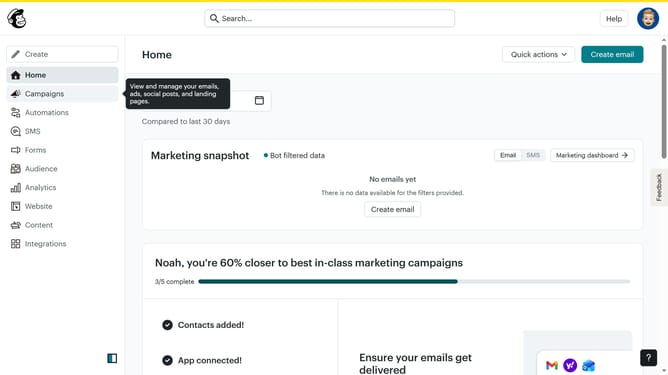
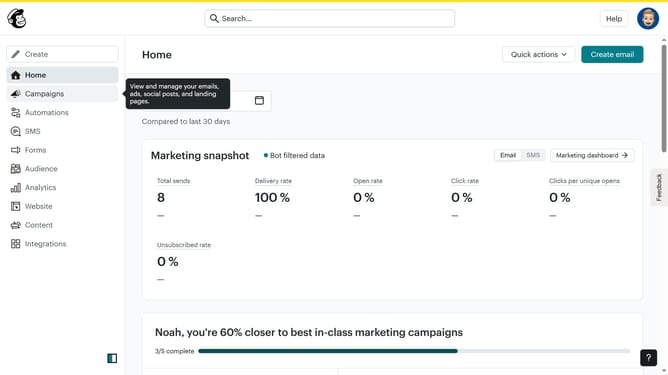
- First click on the "Campaign" button in the left sidebar navigation menu
- Then click on the "Type" dropdown filter in the campaign list header
- Finally select "Ad" option from the Type dropdown menu
Why should you filter campaigns to ad in Mailchimp
Mailchimp is a versatile platform designed to simplify email marketing and enhance audience engagement.
The ability to filter campaigns is a powerful feature in Mailchimp, allowing you to refine and target your audience effectively. By narrowing down your campaign list, you ensure that only the most relevant content reaches your intended audience.
This feature not only enhances the precision of your marketing efforts but also increases the likelihood of successful conversions. Efficiency in filtering campaigns helps streamline your workflow, saving valuable time and resources.
Last update