How to change filter campaigns to social post in Mailchimp
Here is how to change filter campaigns to social post in mailchimp
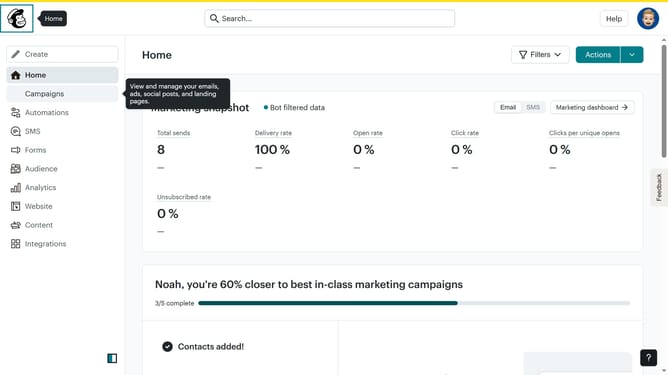
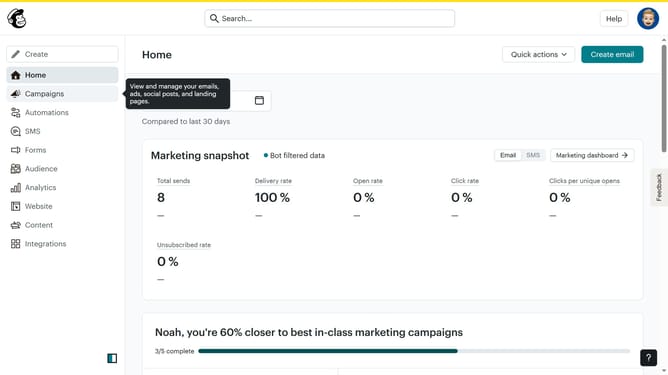
- First click on the "Campaign" button in the left sidebar navigation menu
- Then click on the "Type" dropdown filter in the campaign list header
- Finally select "Social post" option from the Type dropdown menu
Why should you change filter campaigns to social post in Mailchimp
Mailchimp is a powerful marketing platform designed to help businesses streamline their email and social media efforts.
Changing filter campaigns to social posts in Mailchimp allows you to effortlessly repurpose your existing email campaigns for your social media audience. This functionality broadens your outreach by transforming tailored email content into dynamic social posts.
Utilizing this feature not only saves time but also ensures cohesive brand messaging across platforms, increasing engagement and strengthening audience connections.
Last update