How to change the button border thickness in an email campaign in Mailchimp
Here is how to change the button border thickness in an email campaign in mailchimp
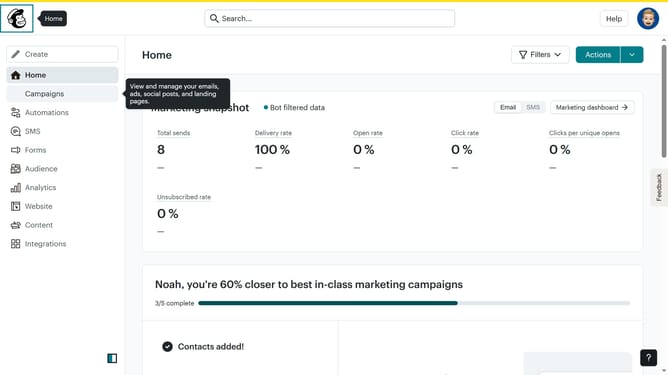
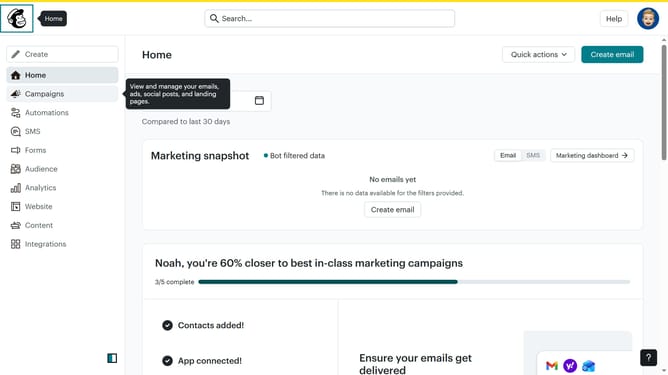
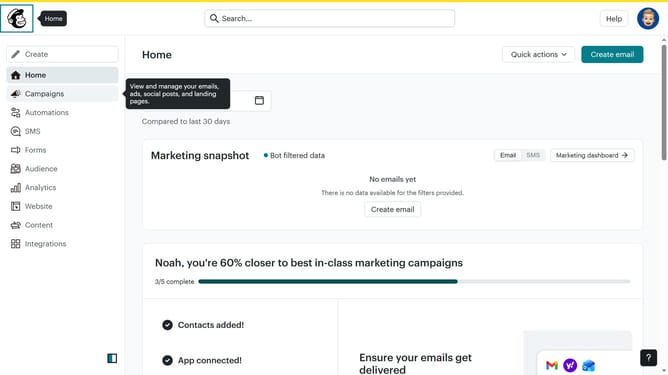
- First click on "Home" in the left sidebar menu
- Then click on the "Edit" button for the campaign
- Then click on the "Edit design" button at the bottom of the screen
- Then click on "Styles" in the left sidebar menu
- Then click on the "Button" option in the left sidebar menu
- Finally click on the up or down arrow to change the value
Why should you change the button border thickness in an email campaign in Mailchimp
Mailchimp is a versatile platform designed to revolutionize email marketing by offering user-friendly tools.
One of its features allows you to customize the button border thickness in your email campaigns, enhancing the visual impact of your message.
Modifying the border thickness adds a layer of emphasis to call-to-action elements, making them more eye-catching.
This subtle yet effective customization helps draw attention to important links, improving click-through rates and engagement.
Last update