How to duplicate question on a survey in Mailchimp
Here is how to duplicate question on a survey in mailchimp
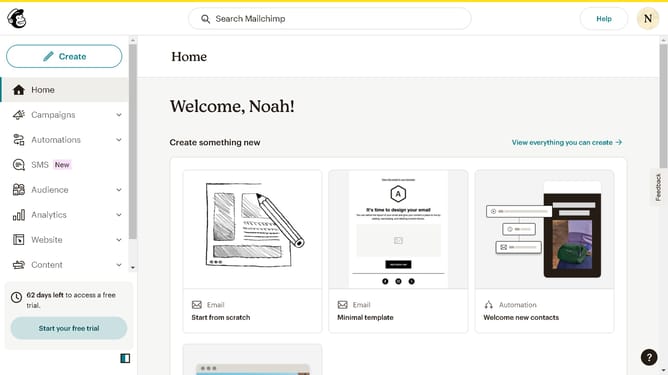
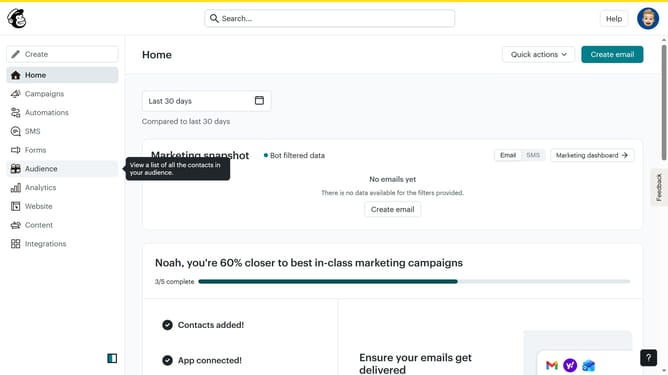
- First click on "Audience" item in the left sidebar menu
- Then click on "Surveys" link in the expanded Audience menu
- Next click on "Create new survey" button in the top right corner
- Then click on the survey name input field
- Next enter "Sample Survey" in the survey name field
- Then click on the Audience dropdown menu
- Next click on "Begin" button to start creating the survey
- Next click the plus icon button in the central section of the page to add a new question
- Then click on the "Introduction" option from the question types menu
- Finally click the "Duplicate question" button in the right sidebar to create a copy of the current question
Why should you duplicate question on a survey in Mailchimp
Mailchimp is a marketing platform designed for businesses to engage and build strong relationships with their target audience.
Duplicating a question in a Mailchimp survey is an efficient feature that simplifies the process of creating surveys by allowing you to seamlessly replicate questions.
This feature enhances productivity by saving time, ensuring consistency across multiple questions, and allowing you to effortlessly fine-tune survey patterns for more comprehensive data analysis.
Using this function can lead to a more professional and visually unified survey experience for respondents.
Last update