How to italicize text block font in a landing page in Mailchimp
Here is how to italicize text block font in a landing page in mailchimp
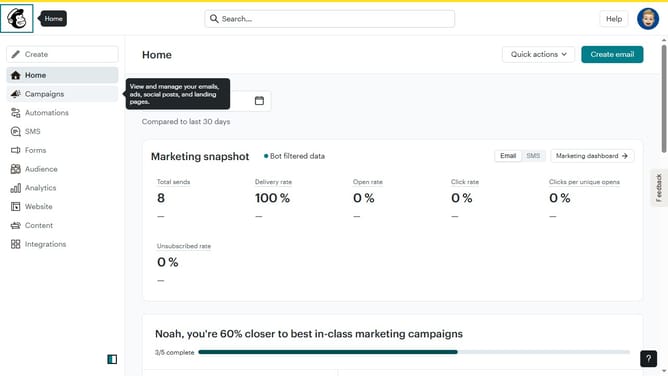
- First click on "Campaigns" item in the left sidebar
- Then click on "Edit" button
- Next click on "Edit design" button
- Then click on the edit icon next to the text
- After that click on "Style" tab
- Then click on the "I" icon to make the text italic
- Finally click on "Save & Close" button
Why should you italicize text block font in a landing page in Mailchimp
Mailchimp is a versatile marketing platform helping businesses connect with their audience effectively.
Incorporating italicized text on a Mailchimp landing page allows for emphasis and creativity.
When you italicize text blocks, you enhance readability and draw attention to crucial information.
This feature offers a simple yet powerful way to enhance your landing page's visual appeal and ensure your message is memorable and engaging.
Last update