How to input an introduction block on a survey in Mailchimp
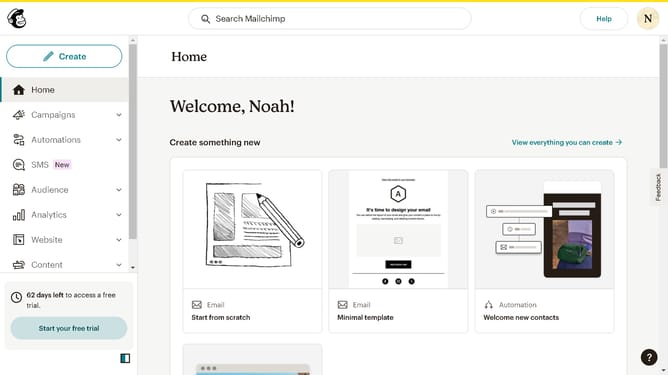
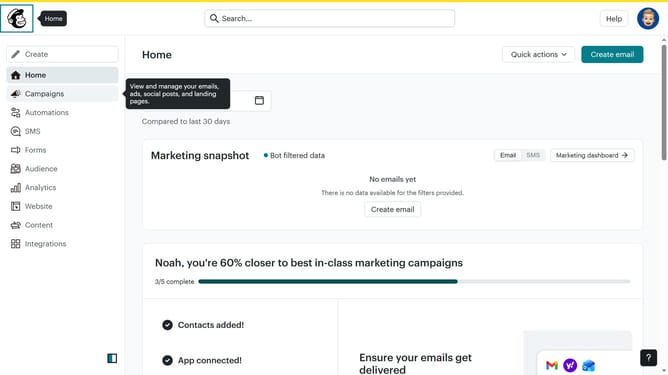
Here is how to input an introduction block on a survey in mailchimp
- First click on "Audience" item in the left sidebar menu
- Then click on "Surveys" link in the expanded Audience menu
- Next click on "Create new survey" button in the top right corner
- Then click on the survey name input field
- Next enter "Sample Survey" in the survey name field
- Then click on the Audience dropdown menu
- Next click on "Begin" button to start creating the survey
- Then click on the "Add question" button in the center of the question types slider
- Finally select the "Introduction" button in the question types dropdown menu
Why should you input an introduction block on a survey in Mailchimp
Mailchimp is a versatile marketing platform designed to help businesses of all sizes effortlessly connect with their audiences through email campaigns and surveys.
Integrating an introduction block into your survey on Mailchimp is a feature designed for clarity and engagement. It allows you to set the tone and context for the survey from the start, ensuring participants are well-informed.
By clearly explaining the survey’s purpose, you reduce participant drop-off and improve response quality, enhancing the overall effectiveness of your research efforts.
Last update