How to add a comment on a campaign in Mailchimp
Here is how to add a comment on a campaign in mailchimp
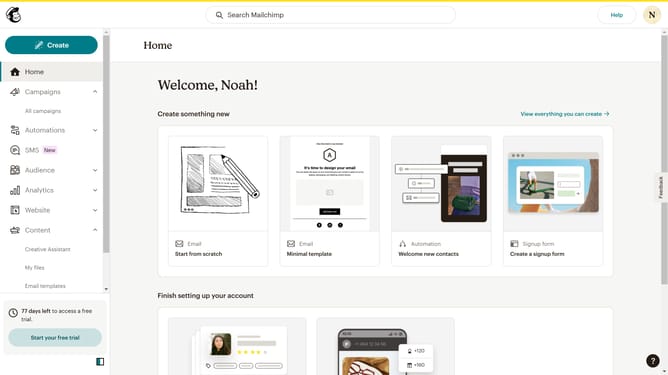
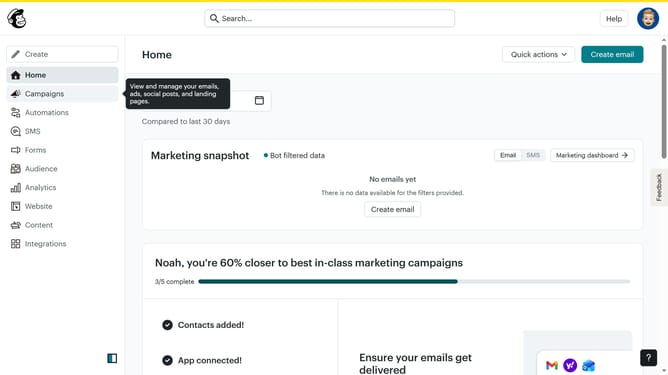
- First click on "Campaigns" in the left sidebar menu
- Then click on "WIP" campaign from the campaign list
- Next click on "Edit design" button in the email preview section
- Click on "Comment" button in the top toolbar of the email editor
- Click on "Add comment" button in the Comments panel
- Enter comment text in the comment input field
- Finally click "Comment" button to submit the comment
Why should you add a comment on a campaign in Mailchimp
Mailchimp is a dynamic platform that empowers businesses to seamlessly manage their email marketing campaigns.
One of its standout features is the ability to add comments on a campaign, fostering collaboration and enhancing communication among team members.
This feature allows you to streamline the feedback process, ensuring that everyone involved in the campaign is aligned and informed.
Ultimately, it simplifies project management, reduces errors, and leads to more impactful marketing efforts.
Last update