How to add tags on a contact in Mailchimp
Here is how to add tags on a contact in mailchimp
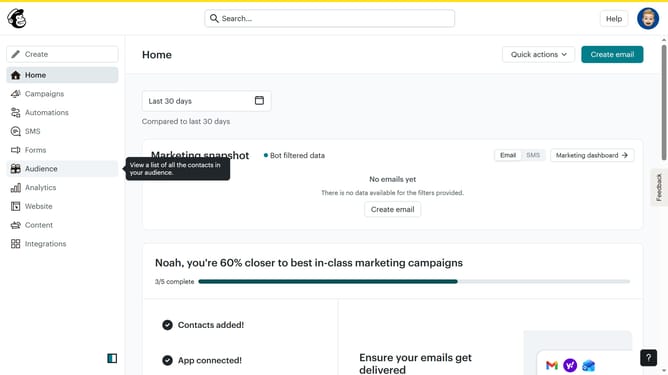
- First click on "Audience" in the left sidebar menu
- Next click on the contact email in the contacts list to open the contact profile
- Then click on the "Add a tag" button in the Tags section of the contact profile
- Finally select the tag in the tag input field from the dropdown menu
Why should you add tags on a contact in Mailchimp
Mailchimp is a versatile platform designed for businesses to streamline their email marketing efforts and enhance audience engagement.
Adding tags to contacts in Mailchimp is a powerful feature that enables marketers to categorize their audience effectively. By applying tags, you can segment contacts into specific groups, making it easier to tailor communications and marketing campaigns accurately.
Using tags allows for more personalized and relevant messaging, which can increase engagement rates and foster stronger customer relationships. This feature helps in organizing contacts, reducing clutter, and maximizing marketing efficiency.
Last update