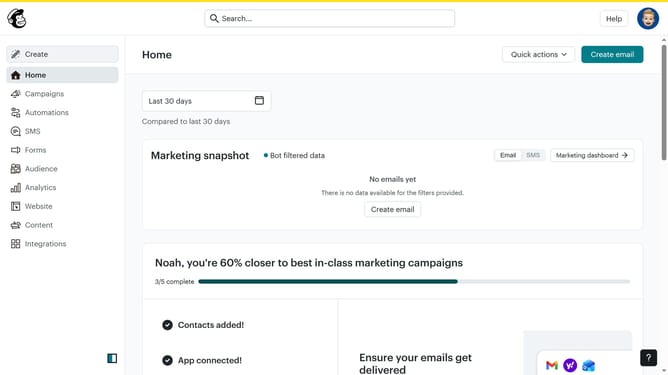
How to create a content block with an embed video on a survey in Mailchimp
Here is how to create a content block with an embed video on a survey in mailchimp
- First, navigate to the "Audience" section in the left sidebar
- Next, from the Audience submenu, click on "Surveys"
- Then, click on the "Create new survey" button
- Click on the "Survey name" input field and enter your survey title
- After naming the survey, click on the "Begin" button
- Click on the plus icon in the main content area to add an element to your survey
- Select "Content block"
- Then, choose the "Embed video" option
- Enter the URL into the "Placeholder" field
- Once the video is added, click on the "Continue to design" button
- After reviewing the design, click on the "Review" button
- Finally, click on the "Continue" button to proceed
Why should you create a content block with an embed video on a survey in Mailchimp
Mailchimp is a robust platform designed to empower businesses in email marketing and customer engagement.
One of its innovative features is the ability to create a content block with an embedded video on a survey.
This feature enriches your surveys by allowing dynamic video content to engage respondents more effectively, enhancing their experience.
Embedding videos can potentially increase response rates and provide a more compelling and interactive way for brands to convey messages.
Utilizing this tool ensures surveys are not only informative but also visually appealing.
Last update