How to create an email block on a survey in Mailchimp
Here is how to create an email block on a survey in mailchimp
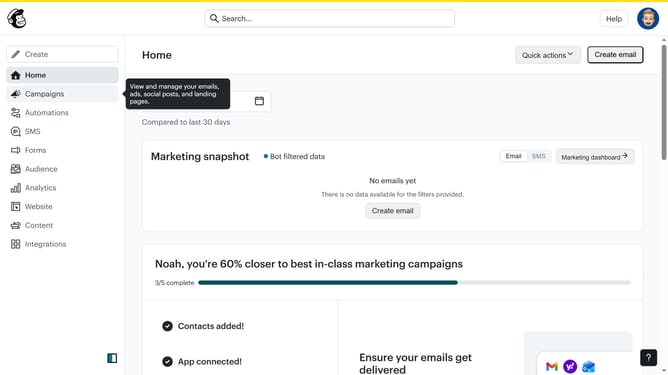
- First click on "Audience" item in the left sidebar menu
- Then click on "Surveys" link in the expanded Audience menu
- Next click on "Create new survey" button in the top right corner
- Then click on the survey name input field
- Next enter "Sample Survey" in the survey name field
- Then click on the Audience dropdown menu and select Guideflow
- Next click on "Begin" button to start creating the survey
- Then click on the "Add question" button in the center of the question types slider
- Finally select the "Email" button in the question types dropdown menu
Why should you create an email block on a survey in Mailchimp
Mailchimp is a powerful marketing platform designed to help businesses reach and engage their audience effectively.
Creating an email block on a survey in Mailchimp allows users to seamlessly integrate communication and data collection, streamlining their marketing efforts.
This feature empowers you to easily gather responses while simultaneously keeping your audience informed, enhancing overall engagement.
By utilizing this approach, you can cultivate a deeper understanding of customer preferences and drive more tailored marketing strategies.
Last update