How to delete an automation in Mailchimp
Here is how to delete an automation in mailchimp
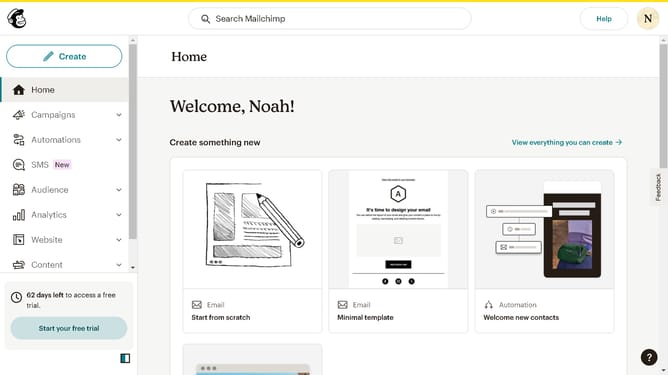
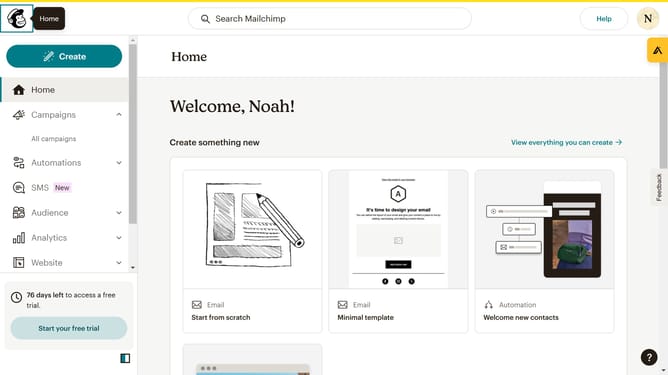
- First click on the "Automations" item in the left sidebar menu
- Next click on the dropdown button in the main content area next to the "Copy of Automated message" flow
- Then click on the "Delete" option that appears in the dropdown menu
- Finally click on the "Delete flow" button in the confirmation dialog box
Why should you delete an automation in Mailchimp
Mailchimp is a versatile platform designed to elevate email marketing and automation efforts for businesses of all sizes.
Deleting an automation in Mailchimp can seem like a minor task, but it offers significant advantages for your marketing strategy.
Removing outdated or unnecessary automations helps keep your workflow streamlined, preventing confusion and ensuring your campaigns are focused.
This feature allows you to maintain an organized automation roster, improving overall efficiency and adaptation to evolving marketing goals.
Last update