Mailchimp
Mailchimp is an email marketing and automation platform for customer engagement.
Website
Industry
Email
Share this article:

How to create a newsletter in Mailchimp

Here is how to create a newsletter in mailchimp

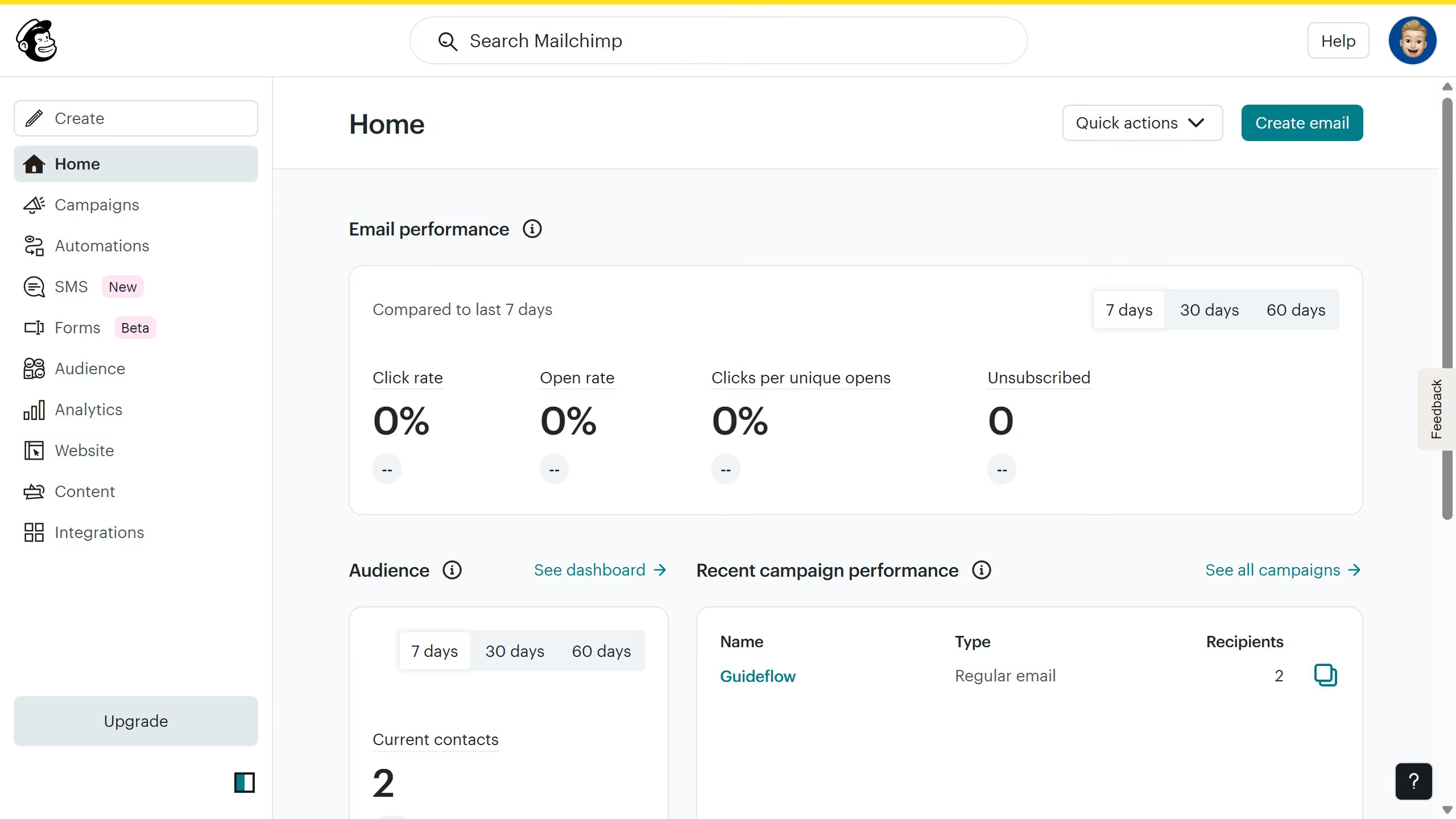
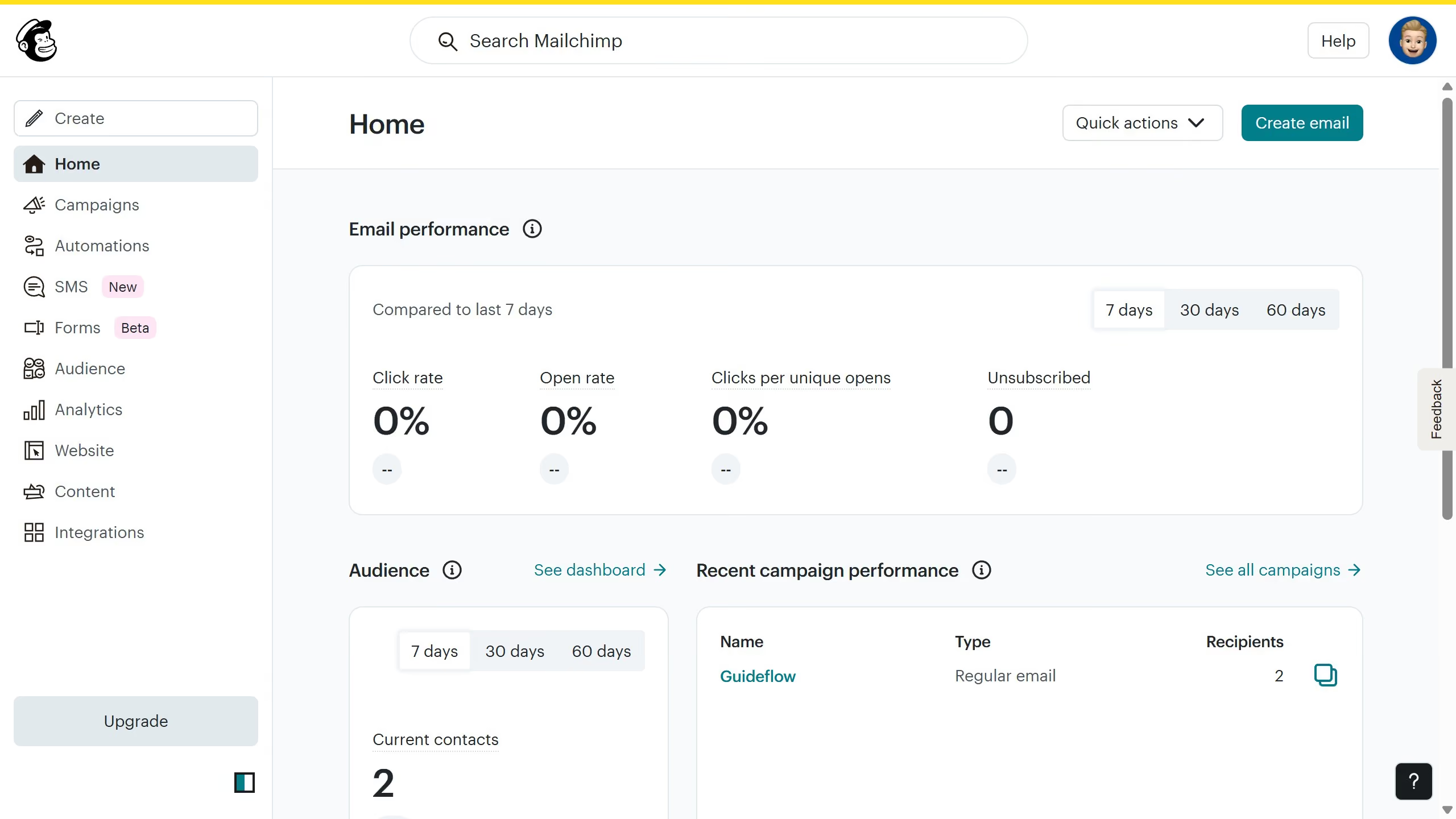
  1. First click on the "Create" button in the top header
  2. Then click on the "Email" tab in the left sidebar menu and select the email type
  3. Click on the "Begin" button to start making your email
  4. On the left sidebar menu, click and drag on the block in apply to your email
  5. Next click on "Save and exit" button in the top right corner
  6. Click on "Edit recipients" button to include recipients to send your email
  7. Click on "Edit from" button to modify sender details
  8. Click on "Add subject" button to enter email subject line
  9. Click on "Edit send time" button to schedule the email
  10. Click on "Edit design" button to modify your email to its full potential
  11. Finally click on "Send" button in the top right corner to complete

Create your own interactive guide with Guideflow

Why should you create a newsletter in Mailchimp

Mailchimp is a powerful marketing automation platform designed to help businesses connect with their audience effectively.

Creating a newsletter in Mailchimp is a seamless process, thanks to its user-friendly interface. This feature allows you to effortlessly design engaging content, choose from customizable templates, and manage your subscribers with ease.

Using Mailchimp for your newsletters ensures consistent branding and fosters stronger relationships with your audience. Plus, it helps boost engagement and expand your reach.


Last update
June 10, 2026
Cursor MariaA cursor points to a button labeled "James."

Create your first demo in less than 30 seconds.