How to log out of your account in Mailchimp
Here is how to log out of your account in mailchimp
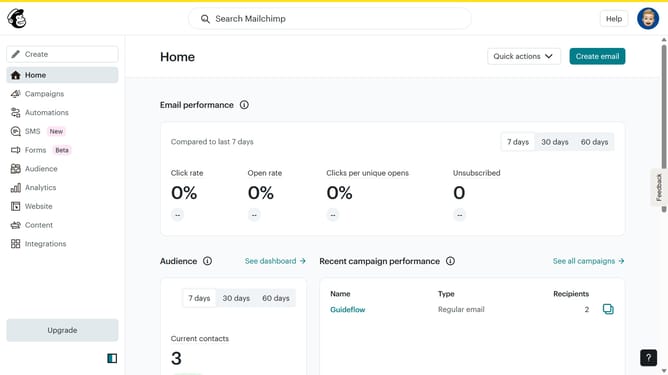
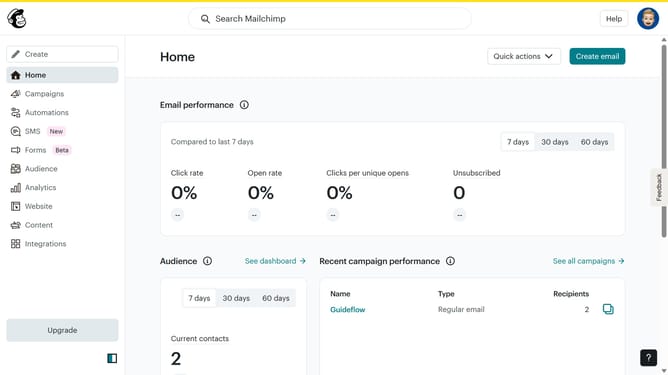
- First click on your profile icon in the top-right corner of the header
- Then click on the "Log out" option in the profile dropdown menu
Why should you log out of your account in Mailchimp
Mailchimp is a powerful tool for managing email marketing campaigns with ease.
Logging out of your Mailchimp account is a straightforward feature, ensuring that your account remains secure when not in use.
Regularly using the log-out feature helps protect sensitive data from unauthorized access, particularly on shared or public devices.
This simple step safeguards your marketing strategies and customer information, offering peace of mind for your ongoing campaigns.
Last update