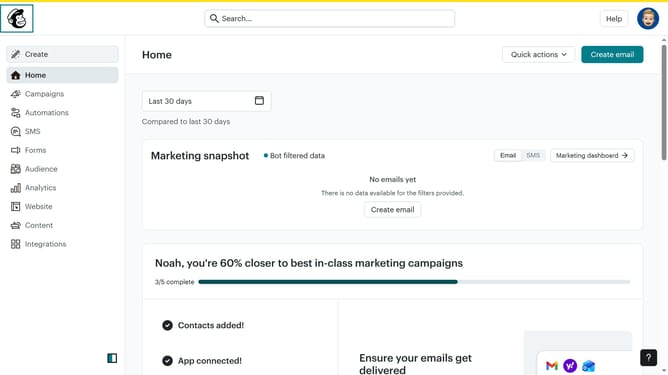
How to set up two factor authentication in Mailchimp
Here is how to set up two factor authentication in mailchimp
- First click on the profile logo button in the top-right corner of the screen
- Then click on the "Profile" option in the dropdown menu
- Click on the "Settings" dropdown menu in the main navigation bar
- Select "Security" from the Settings dropdown menu
- Click on the "SMS" radio button option for two-factor authentication
- Click on the "Next" button to proceed with SMS authentication setup
- Click on the country selection dropdown to choose your country
- Enter your phone number in the input field
- Click on the "Get code" button to receive a message to your phone number
- Enter the 6-digit code provided to you in the input field
- Finally, click on the "Enable" button after entering the 6-digit code
Why should you set up two factor authentication in Mailchimp
Mailchimp is a powerful and versatile tool that simplifies email marketing for businesses of all sizes.
Implementing two-factor authentication in Mailchimp enhances your account's security by requiring a second form of verification, such as a code sent to your phone, in addition to your password.
This feature adds an extra layer of protection, significantly reducing the risk of unauthorized access to your account and sensitive data.
By setting up this security measure, you ensure greater peace of mind and secure communication with your mailing lists.
Last update