How to create a satisfaction survey in Mailchimp
Here is how to create a satisfaction survey in mailchimp
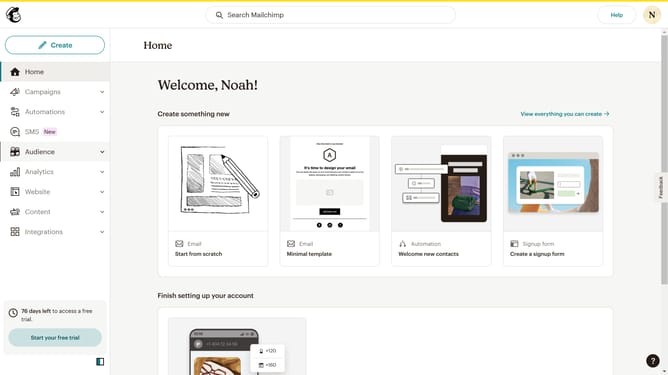
- First click on "Audience" item in the left sidebar menu
- Then click on "Surveys" link in the expanded Audience menu
- Next click on the "Satisfaction" template card in the main content area
- Then click the "Create survey" button in the preview modal window
- Next click on the survey name input field in the setup form
- Then click on the "Audience" dropdown menu in the setup form
- Next select "Guideflow" option from the audience dropdown
- Finally click the "Begin" button in the setup form
Why should you create a satisfaction survey in Mailchimp
Mailchimp is a versatile platform designed to revolutionize how you communicate with your audience.
Creating a satisfaction survey in Mailchimp enables you to capture invaluable feedback effortlessly.
These surveys, seamlessly integrated within your email marketing campaigns, allow you to understand your audience's needs, enhance customer satisfaction, and foster brand loyalty, all within one unified platform.
Utilizing these insights helps tailor your strategies for improved engagement and a more personalized customer experience.
Last update