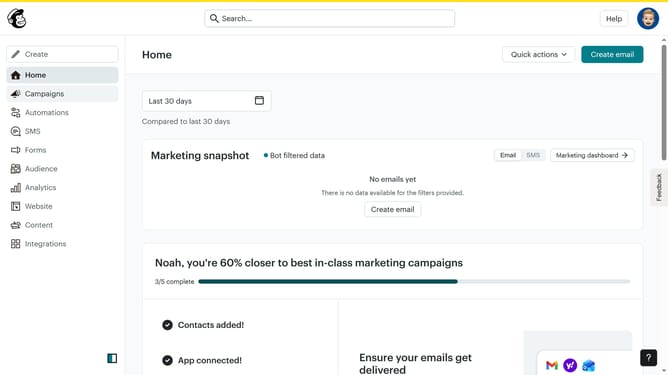
How to add a survey action to an automation in Mailchimp
Here is how to add a survey action to an automation in mailchimp
- First click on the "Automations" item in the left sidebar menu
- Next click on the "Finish Setup" button in the main automation flow screen
- Next click on "Send survey in email" option in the Actions sidebar
- Then click on "Add a step" button in the flow map area
- Next click on "Rename" button in the email configuration modal
- Enter "Survey Email" in the name input field
- Click "Save" button to save the new name
- Finally click "Close" button at the bottom of the email configuration modal
Why should you add a survey action to an automation in Mailchimp
Mailchimp is a dynamic platform designed to elevate your marketing strategies by facilitating email automation and enhancing customer engagement.
Incorporating a survey action into an automation in Mailchimp is a strategic way to gather valuable feedback seamlessly from your audience.
By embedding surveys into your automation workflows, you can analyze customer preferences, improve services, and personalize future marketing endeavors.
This feature not only enhances user experience but also drives informed decision-making and fosters strong client relationships.
Last update