How to replace the email address of your profile in Mailchimp
Here is how to replace the email address of your profile in mailchimp
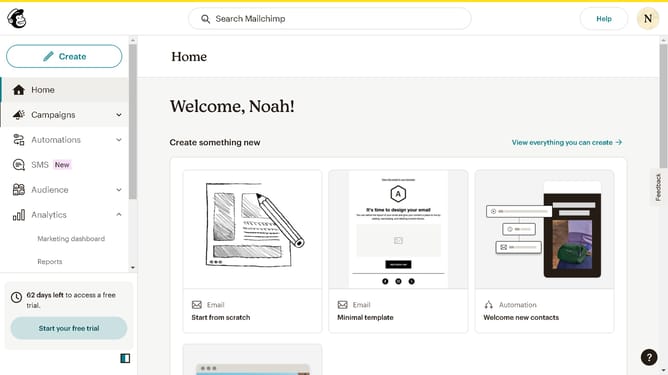
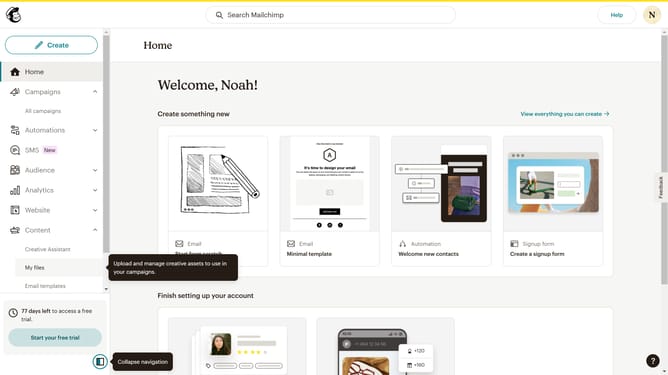
- First click on the user avatar icon in the top-right corner of the header
- Then select "Profile" option from the dropdown menu
- In the profile form, click on the email address field and modify it to your preferred email
- Finally click the "Update" button at the bottom of the basic information form
Why should you replace the email address of your profile in Mailchimp
Mailchimp is a powerful platform designed to help businesses streamline their email marketing efforts effortlessly.
Replacing your profile's email address in Mailchimp is a straightforward process that provides multiple benefits for maintaining clear communication and ensuring your contact information stays current.
This feature is particularly useful when you've changed your primary email for better organization or security reasons, allowing your account to seamlessly reflect your latest details.
By keeping your profile updated, you'll ensure smooth correspondence and avoid missing important updates and notifications from Mailchimp.
Last update