How to post a Mailchimp campaign to Facebook
Here is how to post a mailchimp campaign to facebook
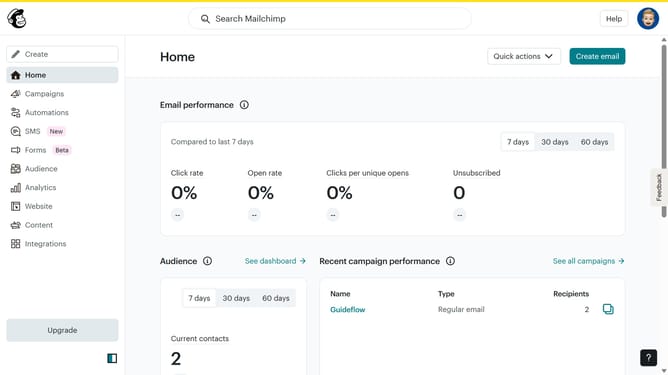
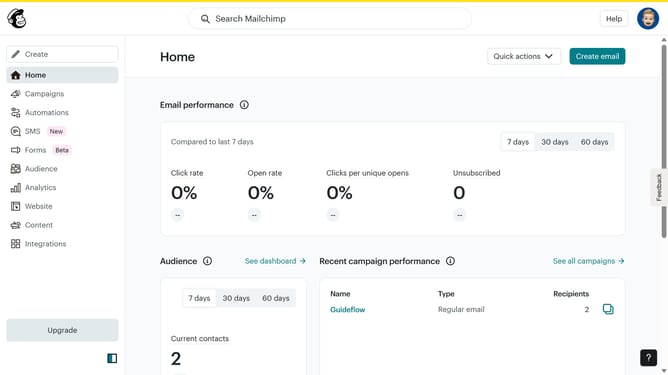
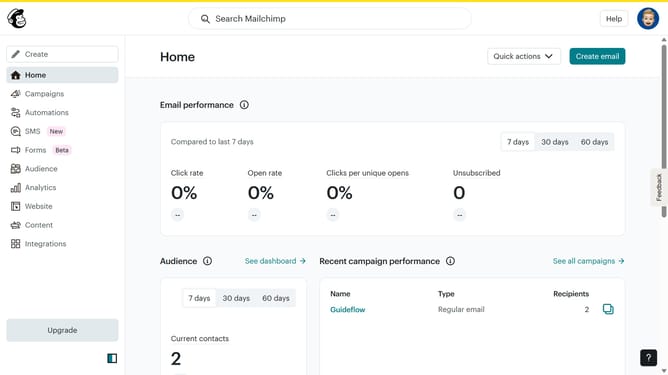
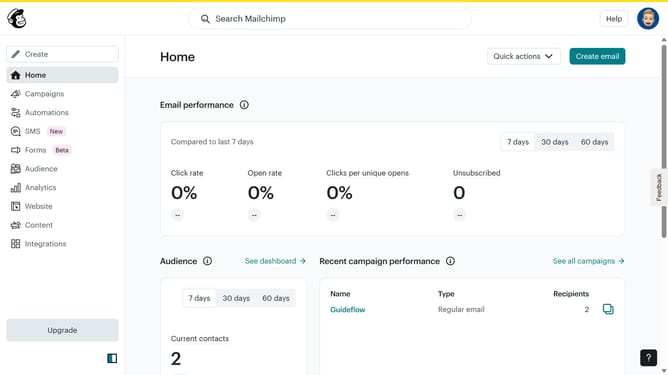
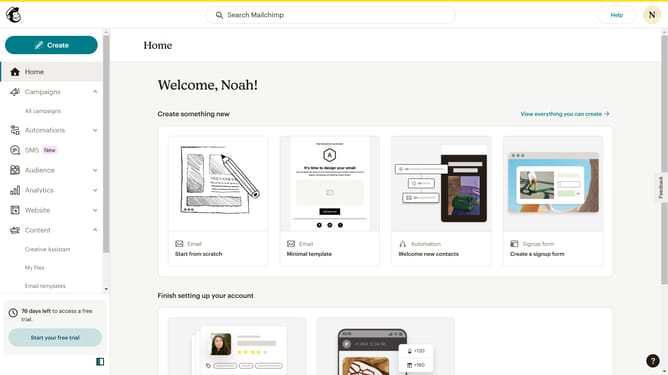
- First click on the "Campaigns" option in the left sidebar menu
- Then click on the dropdown arrow next to "View report" button in the campaign list
- Next select "Social Share" option from the dropdown menu
- Finally click on the "Facebook" button in the social sharing options
Why should you post a Mailchimp campaign to Facebook
Mailchimp is a powerful platform designed to streamline and enhance digital marketing efforts.
One standout feature is the ability to post a Mailchimp campaign directly to Facebook.
By using this feature, you can easily expand your campaign's reach to a broader audience on one of the most popular social networks.
Engaging your audience on Facebook not only boosts your brand visibility but also encourages interaction and increases potential customer conversion.
Last update