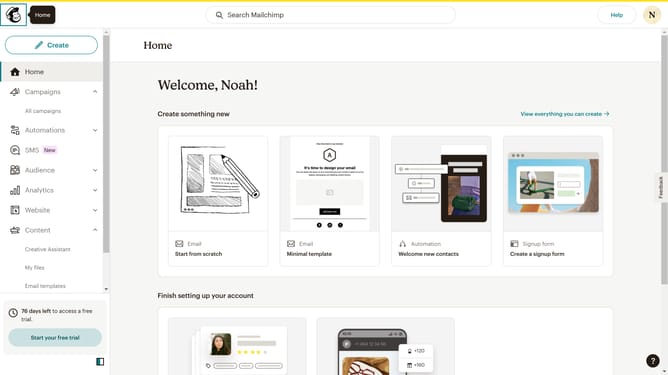
How to send a test email in Mailchimp
Here is how to send a test email in mailchimp
- First click on "Campaigns" item in the left sidebar menu
- Then click on the "WIP" campaign name in the campaigns list
- Next click on the "Edit design" button in the email preview section
- Then click on the "Send test" button in the top navigation bar
- In the "Send a Test Email" dialog, click on the email input field to enter recipient addresses
- After entering the email address, click the "Send test" button in the dialog
- Finally, click the "Ok" button in the confirmation dialog to complete the test email sending process
Why should you send a test email in Mailchimp
Mailchimp is a versatile platform designed to enhance your email marketing strategies with efficiency and creativity.
One of its standout features is the ability to send a test email, which offers a sneak peek into how your email will appear to recipients. This feature is essential for ensuring your communication is visually appealing and error-free.
By sending a test email in Mailchimp, you can refine content, design, and layout, leading to higher engagement and successful campaigns. It empowers you to deliver polished emails with confidence and precision.
Last update