How to delete a group option in Mailchimp
Here is how to delete a group option in mailchimp
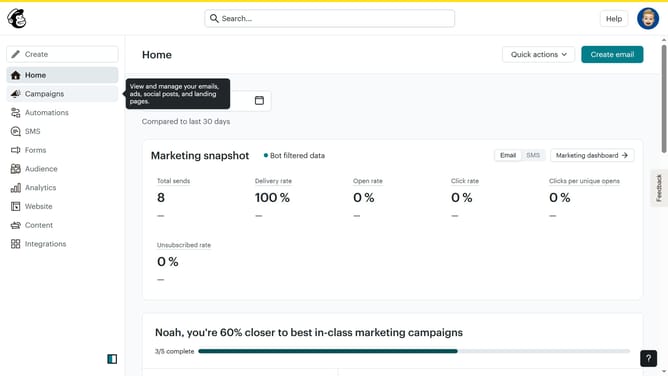
- First click on "Audience" in the left sidebar menu
- Next click on the "More options" dropdown button in the top-right corner of the Contacts page
- Then select "Groups" from the dropdown menu that appears
- Next click on the "View group" button in the top-right of the main content area
- Then click on the "Actions" dropdown menu in the top-right corner of the group settings
- Then select the "Delete" option from the Actions dropdown menu
- In the confirmation dialog, type "DELETE" in the input field
- Finally click the "Delete" button in the confirmation dialog to permanently remove the group
Why should you delete a group option in Mailchimp
Mailchimp is a powerful tool designed to simplify email marketing for businesses of all sizes.
The "Delete a Group" feature in Mailchimp allows users to efficiently manage their contact lists by removing unwanted or outdated groups. This ensures that your email marketing campaigns are targeted and relevant, enhancing engagement and response rates.
Utilizing this feature regularly helps streamline contact management, improve organizational efficiency, and ultimately boosts the overall effectiveness of your marketing strategy. By keeping your list clean, you maintain a better reputation and deliverability.
Last update