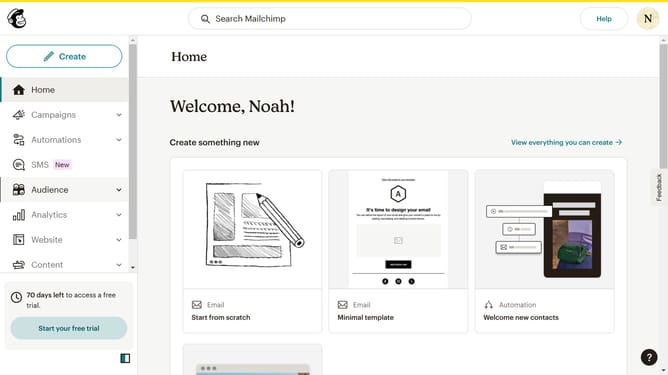
How to remove emails in a folder in Mailchimp
Here is how to remove emails in a folder in mailchimp
- First click on the "Campaigns" option in the left sidebar navigation menu
- Next click on the folder dropdown filter section of the campaigns list
- Then click on the "Sample Emails" folder option in the folder dropdown menu
- Next select on the "Untitled" campaign item in the campaign list
- Then click on the "Remove from folders" button in the top action bar
- Finally click the "Remove" button in the confirmation dialog
Why should you remove emails in a folder in Mailchimp
Mailchimp is a dynamic marketing platform that empowers businesses to craft and manage email campaigns with ease.
Removing emails from a folder in Mailchimp is a highly beneficial feature for maintaining an organized and clutter-free workspace.
By regularly cleaning up unnecessary emails, you ensure that your email marketing efforts remain streamlined and focused.
This not only enhances efficiency but also enables you to quickly locate important emails, thereby optimizing your productivity and campaign management.
Last update