How to filter the campaign status to scheduled in Mailchimp
Here is how to filter the campaign status to scheduled in mailchimp
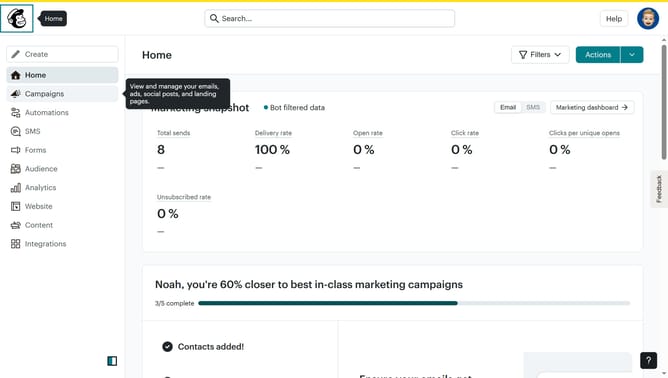
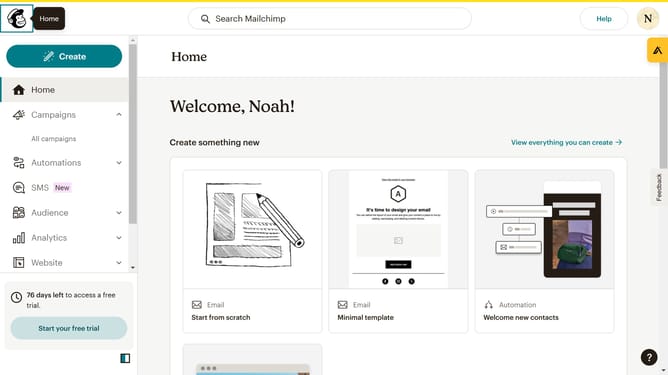
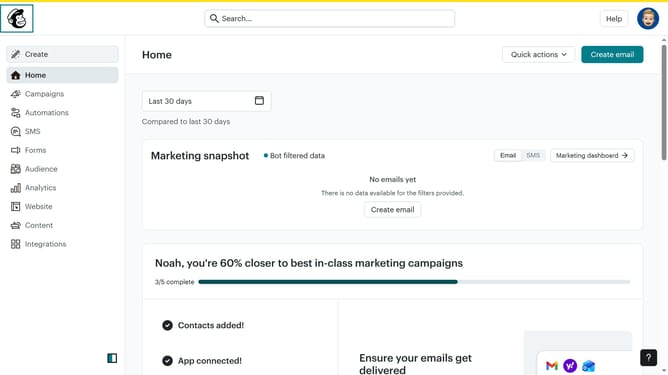
- First click on the "Campaign" button in the left sidebar navigation menu
- Then click on the "Status" dropdown filter in the campaign list header
- Finally select "Scheduled" option from the Status dropdown menu
Why should you filter the campaign status to scheduled in Mailchimp
Mailchimp is a powerful email marketing platform designed to help businesses manage and communicate with their audiences effectively.
Knowing how to filter campaign status to "scheduled" in Mailchimp is a valuable feature for staying organized and proactive in your marketing efforts. This feature allows users to seamlessly keep track of future campaigns, enhancing strategic planning and time management.
By filtering to view scheduled campaigns, marketing teams can ensure that all campaigns are properly aligned with their marketing calendars, resulting in more synchronized and timely communication efforts. Ultimately, this benefits overall campaign success and customer engagement.
Last update