How to delete an email in Mailchimp
Here is how to delete an email in mailchimp
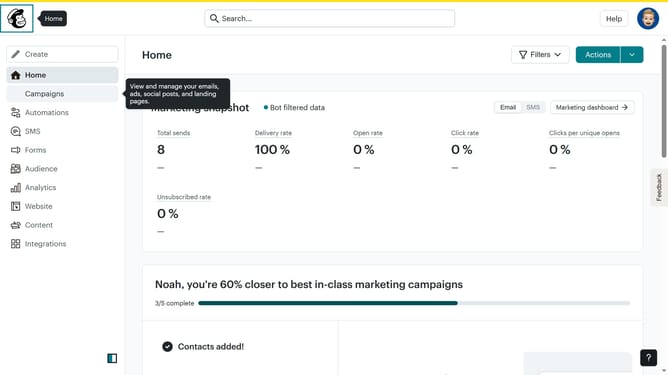
- First click on the "Campaigns" option in the left sidebar menu
- Then click on the "Edit" dropdown button next to the Testing Email campaign
- From the dropdown menu that appears, click the "Delete" option
- In the confirmation modal dialog, click the "Delete" button to permanently remove the campaign
Why should you delete an email in Mailchimp
Mailchimp is a versatile platform designed for seamless email marketing and effective audience engagement.
The ability to delete an email in Mailchimp is a valuable feature for keeping your campaigns organized and streamlined. This function allows you to remove outdated, irrelevant, or incorrect emails from your drafts or scheduled messages, ensuring that your communications remain timely and accurate.
Using this feature not only helps in maintaining an organized workspace but also in preventing any potential miscommunication with your audience, fostering trust and professionalism.
Last update