How to replicate a landing page in Mailchimp
Here is how to replicate a landing page in mailchimp
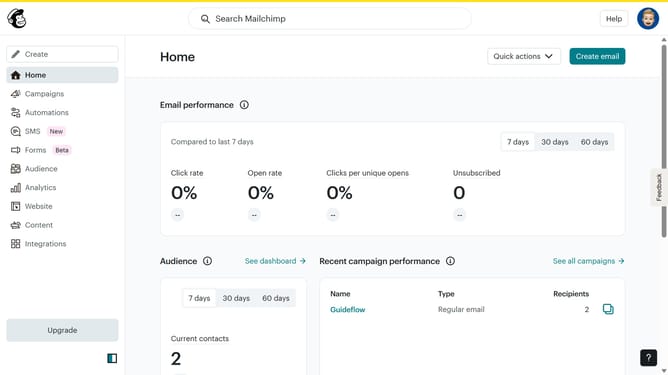
- First click on the "Campaigns" item in the left sidebar
- Then click on the "More actions" button
- Next, select the "Replicate" option from the dropdown menu
- Finally, click on the "Finish later" button
Why should you replicate a landing page in Mailchimp
Mailchimp is a dynamic marketing automation platform for managing email campaigns effectively.
Duplicating a landing page in Mailchimp is a straightforward feature that encourages efficiency by allowing users to build on existing successful designs without starting from scratch.
This capability not only saves time but also maintains brand consistency across different campaigns.
Leveraging replicated landing pages can enhance marketing strategies, leading to a more cohesive and refined user experience.
Last update