How to make radio button block on a survey in Mailchimp
Here is how to make radio button block on a survey in mailchimp
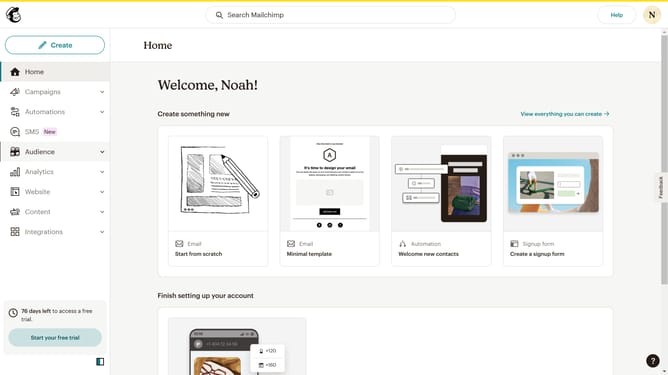
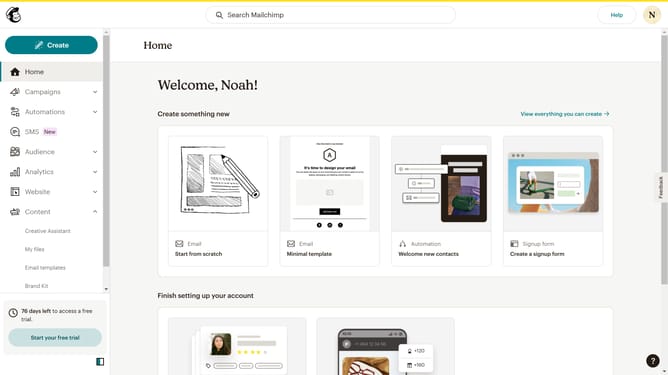
- First click on "Audience" item in the left sidebar menu
- Then click on "Surveys" link in the expanded Audience menu
- Next click on "Create new survey" button in the top right corner
- Then click on the survey name input field
- Next enter "Sample Survey" in the survey name field
- Then click on the Audience dropdown menu
- Next click on "Begin" button to start creating the survey
- Then click on the "Add question" button in the center of the question types slider
- Finally select the "Radio buttons" button in the question types dropdown menu
Why should you make radio button block on a survey in Mailchimp
Mailchimp is your all-in-one marketing platform that streamlines the process of managing communications and campaigns.
Creating a radio button block for a survey in Mailchimp enhances user engagement by offering respondents a simplified way to make selections.
This feature is intuitive, allowing users to easily choose one option from many, optimizing your survey's response accuracy.
By incorporating radio buttons, you ensure a streamlined experience, encouraging a higher participation rate and more reliable data collection.
Last update