How to resubscribe to Mailchimp
Here is how to resubscribe to mailchimp
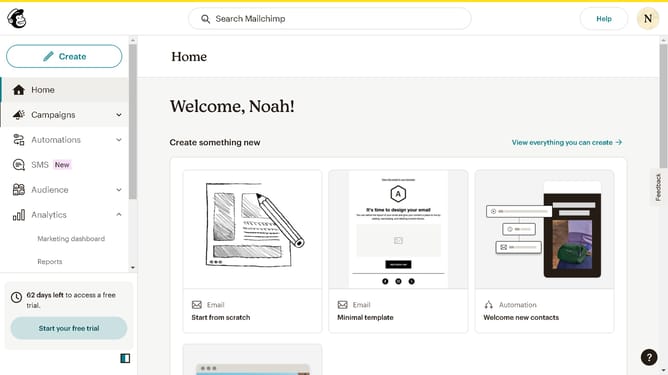
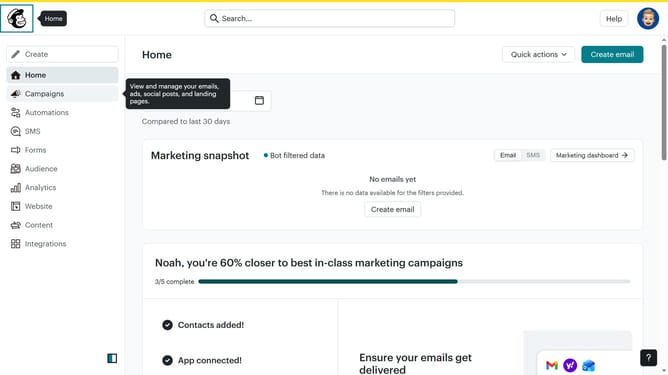
- First click on the "Audience" item in the left sidebar menu
- Mark the checkbox next to the contact you wish to resubscribe
- Next click on the "Email subscription" button in the contacts management toolbar
- Select the "Subscribed" radio button option in the subscription status modal
- Finally click the "Subscribe contacts" button at the bottom of the modal to confirm the changes
Why should you resubscribe to Mailchimp
Mailchimp is a powerful tool designed to help you manage and automate your email marketing campaigns with ease.
Resubscribing to Mailchimp is a smooth process that brings manifold advantages to your digital marketing strategy.
Having access to cutting-edge email marketing features ensures that you stay connected with your audience and enhances the effectiveness of your communication.
Taking the step to resubscribe helps you leverage advanced analytics and segmentation tools, significantly boosting your reach and engagement.
Last update