How to input a contact information block on a survey in Mailchimp
Here is how to input a contact information block on a survey in mailchimp
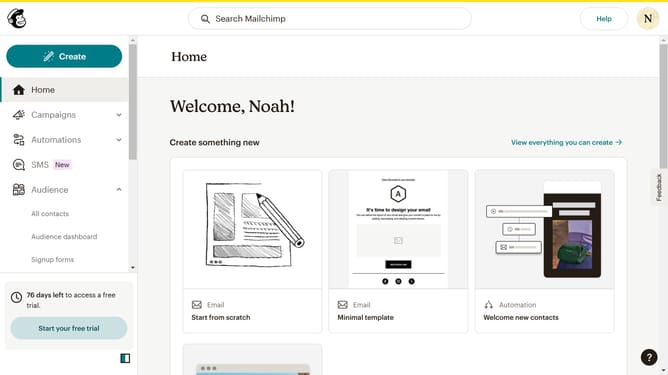
- First click on "Audience" item in the left sidebar menu
- Then click on "Surveys" link in the expanded Audience menu
- Next click on "Create new survey" button in the top right corner
- Then click on the survey name input field
- Next enter "Sample Survey" in the survey name field
- Then click on the Audience dropdown menu
- Next click on "Begin" button to start creating the survey
- Then click on the "Add question" button in the center of the question types slider
- Then click on the "Contact information" option from the question type menu
- Finally click on the "Contact information category" dropdown in the right sidebar under Contact information category
Why should you input a contact information block on a survey in Mailchimp
Mailchimp is a versatile platform designed to amplify your marketing strategies effortlessly.
Adding a contact information block to a survey is an intuitive feature that enriches user interactions. This feature seamlessly integrates into your survey, allowing you to gather essential contact details from your audience efficiently.
Using this feature enhances personalized communication while building a rich, actionable database. It's an excellent way to foster direct connections and refine your marketing campaigns.
By capturing this information, your surveys are transformed into powerful tools for audience engagement and growth.
Last update