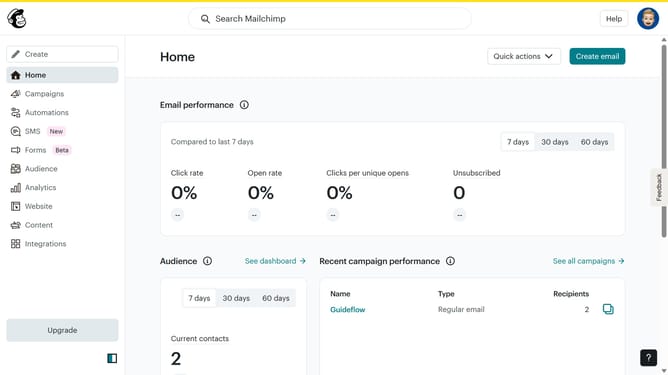
How to preview a campaign in Mailchimp
Here is how to preview a campaign in mailchimp
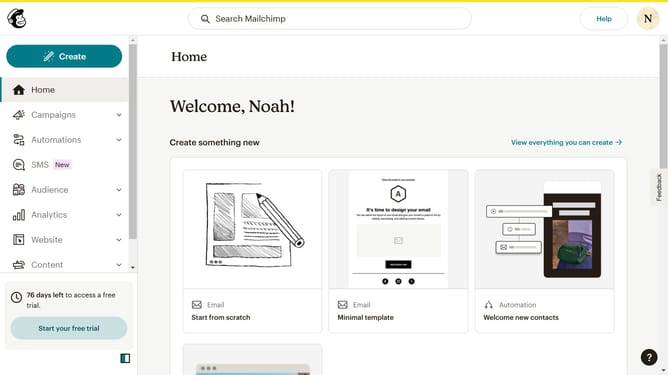
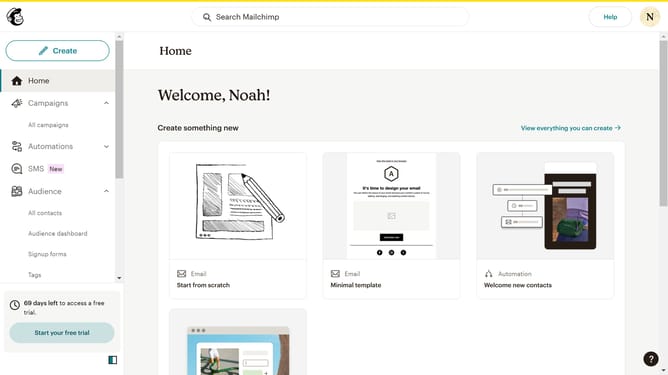
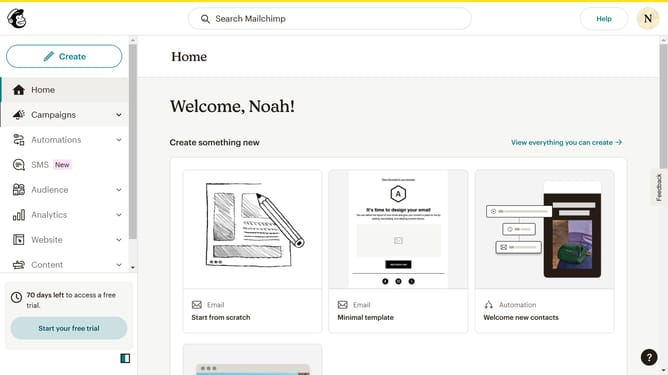
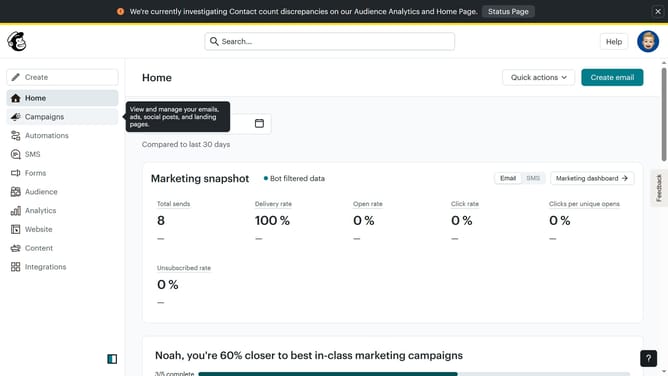
- First click on "Campaigns" item in the left sidebar menu
- Then click on the "WIP" campaign name in the campaigns list
- Next click on the "Edit design" button in the email preview section
- Then click the "Preview" button in the top toolbar to see how your email will look
- Finally click the "Close" button in the top-right corner of the preview window to return to the editor
Why should you preview a campaign in Mailchimp
Mailchimp is an innovative platform designed for seamless email marketing and campaigns.
The preview feature in Mailchimp enables users to envision their campaigns' look before they hit send.
This feature is instrumental in ensuring that the email appears polished and consistent across various devices.
Previewing also helps in catching any potential errors, thus enhancing the overall professionalism and impact of your marketing efforts.
Using this feature ultimately leads to higher engagement and conversion rates, making it a valuable tool in any marketer's toolkit.
Last update