How to add a text block in a landing page in Mailchimp
Here is how to add a text block in a landing page in mailchimp
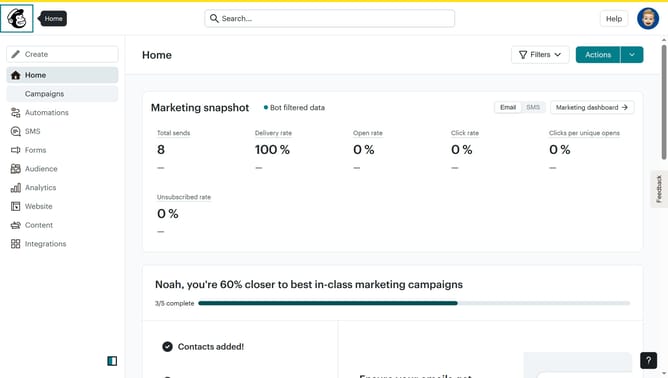
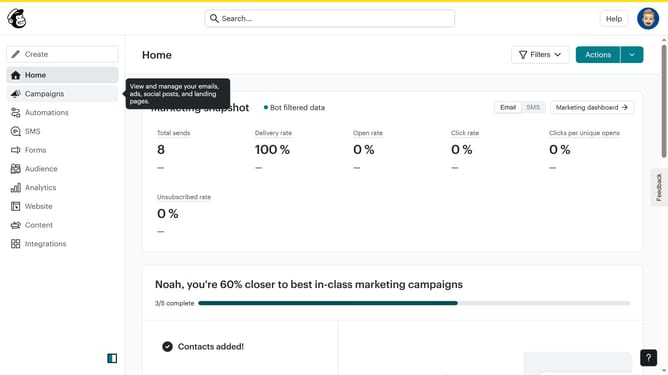
- First, click on "Campaigns" in the left sidebar
- Then, click on the "Edit" button associated with the campaign
- Next, click on the "Edit design" button
- After that, select the "Text" block from the available options and drag it into your preferred area
- Then, click on the "Save & Close" button to save the changes
- Finally, click on the "Save & Close" button again to exit the editor
Why should you add a text block in a landing page in Mailchimp
Mailchimp is a versatile platform designed to enhance marketing efforts through seamless email communication and automation.
Adding a text block to your landing page in Mailchimp offers flexibility in showcasing key messages clearly and effectively. This feature helps in crafting compelling narratives that capture visitor attention and inspire engagement.
Utilizing text blocks enhances the visual appeal and readability of your landing page, ensuring your campaign's core themes and calls-to-action stand out powerfully to your audience.
Last update