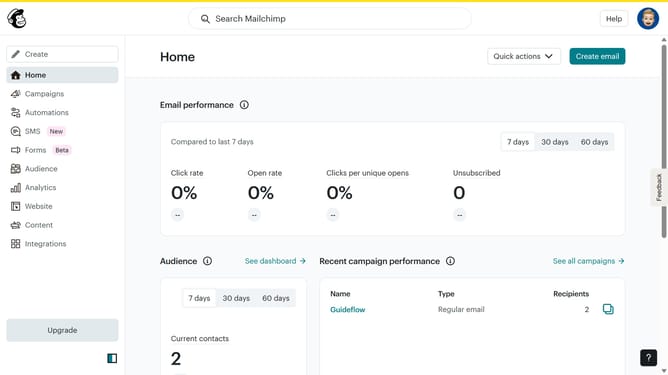
How to replicate a regular email campaign in Mailchimp
Here is how to replicate a regular email campaign in mailchimp
- First click on "Campaigns" button in the left sidebar
- Then click on the "More actions" button across the campaign that you want to replicate
- Next click on "Replicate" from the dropdown menu
- Then click on the "Send" button in the header
- Next click on the "Send now" button in the modal
- Finally click on the "I'll do it later" button in the modal
Why should you replicate a regular email campaign in Mailchimp
Mailchimp is your go-to platform for seamless email marketing, simplifying the way you connect with your audience.
Replicating a regular email campaign in Mailchimp is a breeze, allowing for consistent messaging and branding. Its intuitive interface saves time, enabling the duplication of successful campaigns with just a few clicks.
Leveraging this feature ensures you maintain the same successful email format, enhancing efficiency and fostering greater audience retention. It streamlines your workflow, helping you focus on creating engaging content while Mailchimp manages the rest.
Last update