How to browse campaigns in list form in Mailchimp
Here is how to browse campaigns in list form in mailchimp
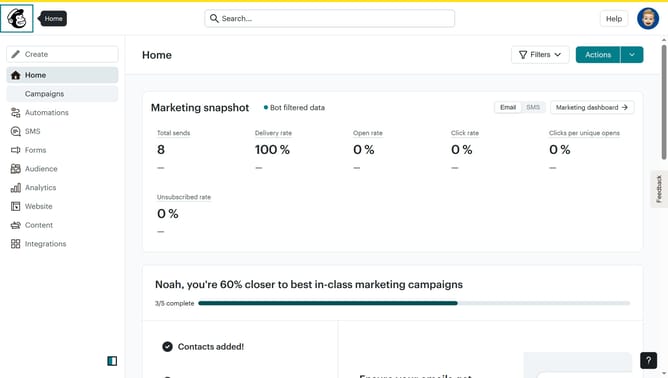
- First click on "Campaigns" in the left sidebar menu
- In the view toggle area at the top of the main content, click on the "List" option to switch from calendar view
- Finally click on the "Clear" button in the filter section to view all the campaigns in list form
Why should you browse campaigns in list form in Mailchimp
Mailchimp is a versatile platform designed to help businesses effectively manage their email marketing campaigns.
Browsing campaigns in list form in Mailchimp is a feature that brings simplicity and efficiency to your workflow.
By viewing campaigns as a list, you gain a clear overview at a glance, allowing you to quickly assess their performance and status.
This feature helps save time and enhances productivity, ensuring you stay focused on crafting the perfect message without losing sight of your strategic objectives.
Last update