How to delete a contact in Mailchimp
Here is how to delete a contact in mailchimp
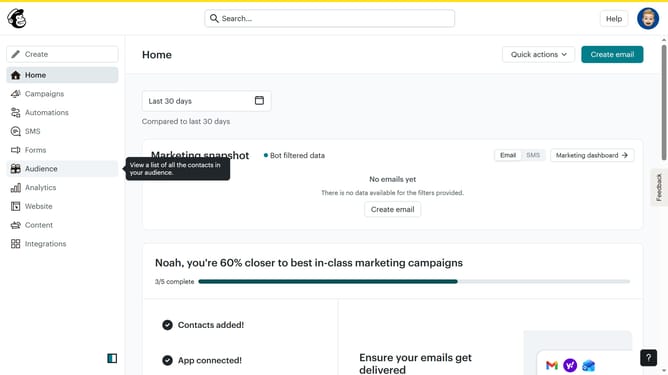
- First click on "Audience" in the left sidebar menu
- Next select the contact email in the contacts list by clicking the checkbox next to it
- Then click on the "More options" button in the top action menu
- Next click on the "Delete" option from the dropdown menu
- Select the radio button option in the "Permanently delete for compliance reasons" section
- Click the "Continue to delete" button in the confirmation dialog
- Check the "I understand these contacts can never be re-imported again" checkbox
- Enter "PERMANENTLY DELETE" in the confirmation text field
- Finally click the "Permanently delete" button to complete the deletion process
Why should you delete a contact in Mailchimp
Mailchimp is a leading platform for creating and managing effective email marketing campaigns.
The feature to delete a contact in Mailchimp allows you to maintain a clean and organized contact list by removing outdated or inactive contacts.
This action ensures your audience data remains relevant, enhancing the effectiveness of your marketing strategies.
By managing your list efficiently, you can optimize resource allocation and focus on engaging with the most active and interested contacts.
Last update