How to create an add to calendar link in Mailchimp
Here is how to create an add to calendar link in mailchimp
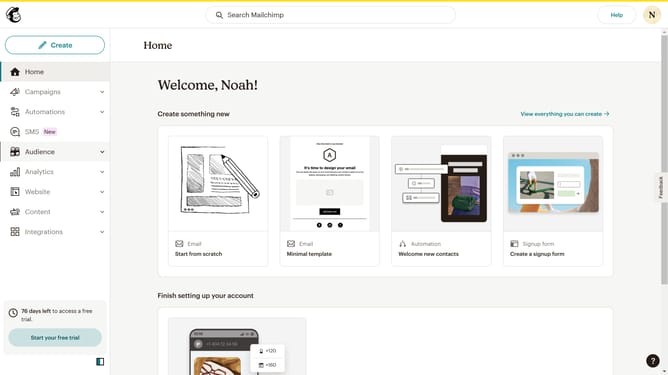
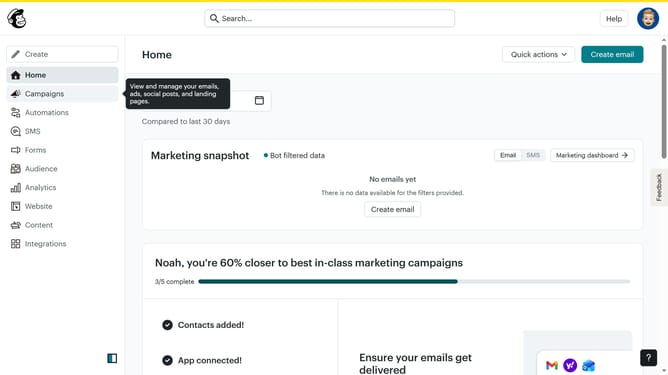
- First click on the "All campaigns" option in the left sidebar menu
- Select your preferred campaign
- Click the "Edit design" button in the email editor interface
- Click a text content block to edit and highlight it
- Click on the "Link" icon in the top toolbar of the email editor
- Select "Web" from the link type dropdown menu
- Click on the URL input field to enter the web address
- Click the "Save" button to confirm the link settings
- Click on "Save and exit" button in the top-right corner
- Click the "Preview" button in the top toolbar
- Verify the "Calendar Link" text appears as expected in the preview mode
Why should you create an add to calendar link in Mailchimp
Mailchimp is a powerful platform designed to help businesses manage and connect with their audiences through dynamic email marketing campaigns.
One of its standout features is the ability to create an 'Add to Calendar' link directly in your emails, enhancing user engagement effortlessly. This feature allows recipients to instantly save important events or promotions directly to their personal calendars.
By integrating these links, you ensure your audiences won't miss key dates and keep your brand at the forefront of their minds, effortlessly boosting attendance and participation.
Last update