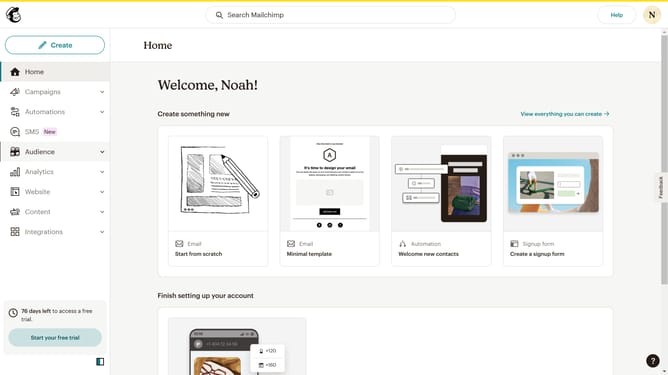
How to assort campaigns to date created
Here is how to assort campaigns to date created
- First click on the "Campaign" button in the left sidebar navigation menu
- Then click on the "Sort by" dropdown filter in the campaign list header
- Finally select "Date created" option from the Status dropdown menu
Why should you assort campaigns to date created
Mailchimp is a powerful digital marketing tool that empowers businesses to streamline their email campaigns and reach their target audience effectively.
One valuable feature within Mailchimp is the ability to assort campaigns by date created. This functionality allows users to organize their campaigns chronologically, providing a clear timeline of their marketing efforts.
Utilizing this feature helps marketers track progress and analyze engagement patterns over time, leading to more informed and strategic decisions for future campaigns. By having a clear overview, businesses can prioritize tasks and optimize their resources efficiently.
Last update