How to insert a logo block in an email in Mailchimp
Here is how to insert a logo block in an email in mailchimp
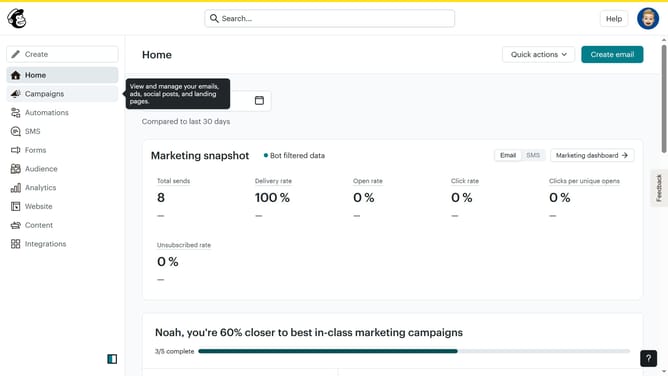
- First click on the "Campaigns" menu item in the left sidebar
- Then click on the "Edit" button next to the Testing Email campaign
- Next click on the "Edit design" button in the email preview panel
- Next click and drag on the "Logo" block from the left sidebar menu section
- Finally click and enter the URL in the URL input text field to link to the logo
Why should you insert a logo block in an email in Mailchimp
Mailchimp is a powerful platform designed to help businesses connect with their audience through engaging email marketing.
Inserting a logo block into your emails in Mailchimp is a simple yet effective way to enhance brand recognition.
This feature allows you to maintain consistent branding, ensuring that every email reflects your company's identity.
By using a logo block, you create a professional appearance which can boost credibility and promote a stronger connection with your subscribers.
Last update