How to make a contact information block on a survey in Mailchimp
Here is how to make a contact information block on a survey in mailchimp
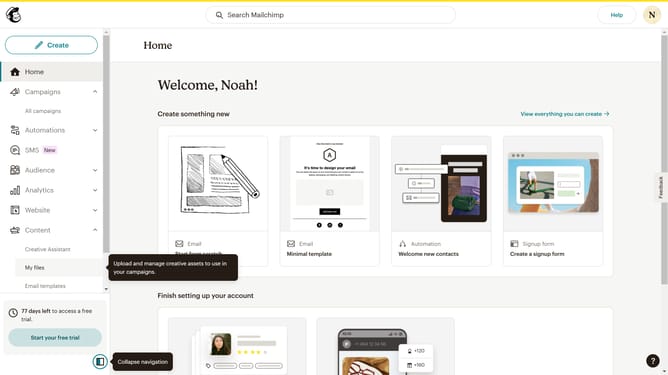
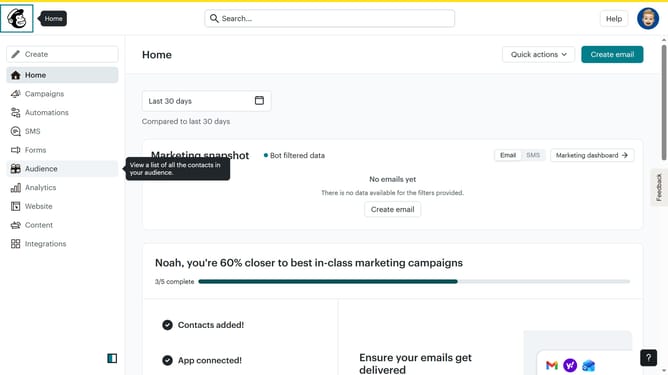
- First click on "Audience" item in the left sidebar menu
- Then click on "Surveys" link in the expanded Audience menu
- Next click on "Create new survey" button in the top right corner
- Then click on the survey name input field
- Next enter "Sample Survey" in the survey name field
- Then click on the Audience dropdown menu
- Next click on "Begin" button to start creating the survey
- Then click on the "Add question" button in the center of the question types slider
- Then click on the "Contact information" option from the question type menu
- Finally click on the "Contact information category" dropdown in the right sidebar under Contact information category
Why should you make a contact information block on a survey in Mailchimp
Mailchimp is a dynamic platform designed for efficient marketing and customer engagement.
Adding a contact information block to a survey in Mailchimp is a smart way to seamlessly collect essential details from participants. This feature integrates effortlessly, enabling you to keep your database updated without any pause in communication.
Using this option not only ensures accurate data collection but also strengthens your interactions with your audience, making your marketing endeavors more informed and effective.
Last update