How to create an embed video introduction on a survey in Mailchimp
Here is how to create an embed video introduction on a survey in mailchimp
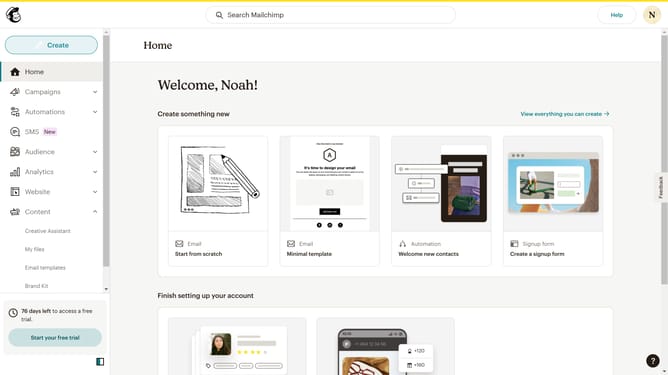
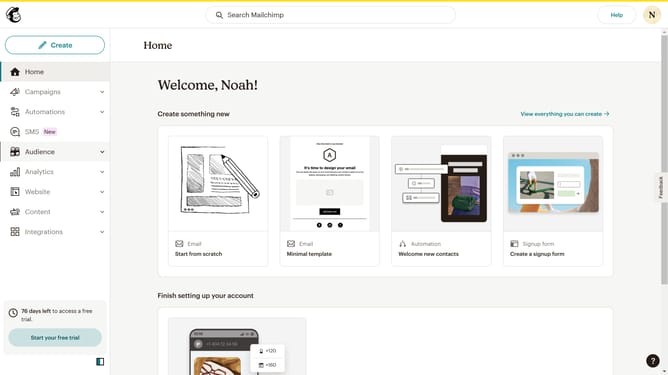
- First click on "Audience" item in the left sidebar
- Then click on "Surveys" item in the left sidebar
- Next click on "Create new survey" button
- Then type survey name into the "Survey name" input field
- Next click on the "Begin" button
- Then click on the plus icon to add a question
- Next click on "Introduction" block
- Then click on "Embed video" radio button
- Then type a video URL into the "Placeholder" input field
- Next click on the "Continue to design" button
- Then click on the "Review" button
- Finally click on the "Continue" button
Why should you create an embed video introduction on a survey in Mailchimp
Mailchimp is a dynamic platform designed to enhance your marketing efforts through automation and analytics.
One standout feature is the ability to create an embed video introduction on a survey. By incorporating video, you can engage participants from the outset, making the survey experience more interactive and personalized.
This feature not only boosts completion rates but also enhances the quality of feedback by setting a clear and engaging context. Including a video introduction helps establish a direct connection, making respondents feel more valued and understood.
Last update