How to edit notes on a contact in Mailchimp
Here is how to edit notes on a contact in mailchimp
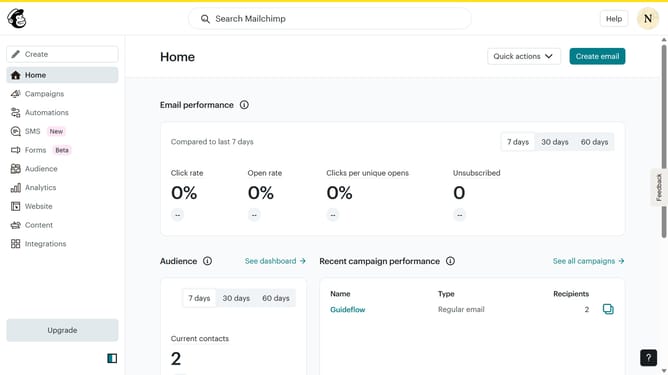
- First click on "Audience" in the left sidebar menu
- Then click on the email address in the contacts list to access the contact profile
- Next click on the "Notes" tab in the contact profile navigation
- Next click on the "More options" menu (three dots icon) next to the existing note
- Select the "Edit" option from the dropdown menu
- Select the "Edit Note" input text field in the pop-up window panel
- Finally click the "Save Changes" button in the note editing modal
Why should you edit notes on a contact in Mailchimp
Mailchimp is a powerful marketing platform designed to help businesses grow through smart email marketing.
The ability to edit notes on a contact in Mailchimp is a handy feature that ensures your communication remains personalized and effective. By updating notes, you can ensure that every interaction with a contact is informed by the latest conversations and insights.
This feature is crucial for maintaining context and continuity, making it easier to build and nurture relationships over time with each client or lead, ultimately boosting customer satisfaction and loyalty.
Last update