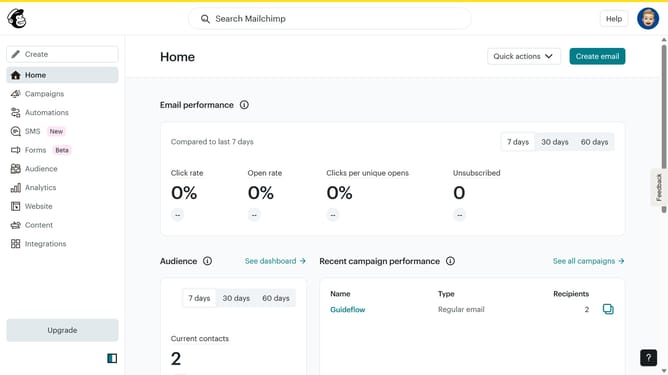
How to save a campaign as a template in Mailchimp
Here is how to save a campaign as a template in mailchimp
- First click on "Campaigns" item in the left sidebar menu
- Then click on the "WIP" campaign name in the campaigns list
- Next click on the "Edit design" button in the email preview section
- Next click on the "Save and exit" dropdown button in the top-right corner of the editor
- Then select "Save as a template" option from the dropdown menu
- In the "Save as Template" modal dialog, click on the template name input field
- Enter "Testing Email Template" into the name field and click "Save" button
- Finally click "Return to Campaign" button in the confirmation dialog
Why should you save a campaign as a template in Mailchimp
Mailchimp is a leading platform designed to simplify and optimize email marketing campaigns.
One notable feature in Mailchimp is the ability to save a campaign as a template. This feature allows you to convert a successful campaign layout into a reusable design, streamlining your future marketing efforts.
By saving your campaign as a template, you ensure consistency in branding and save valuable time on design, enabling you to focus more on crafting compelling content. Utilizing templates enhances productivity, allowing for quicker and more efficient campaign launches.
Last update