How to insert an open text block on a survey in Mailchimp
Here is how to insert an open text block on a survey in mailchimp
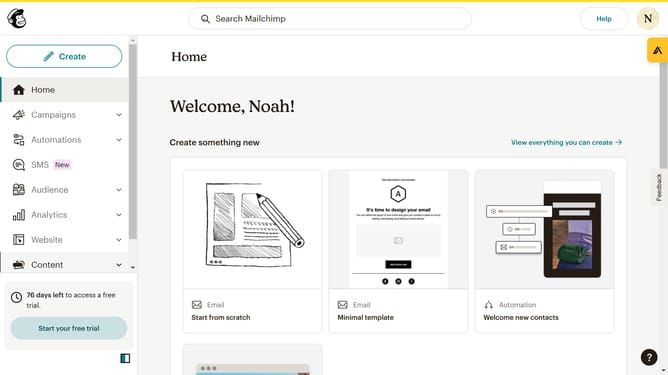
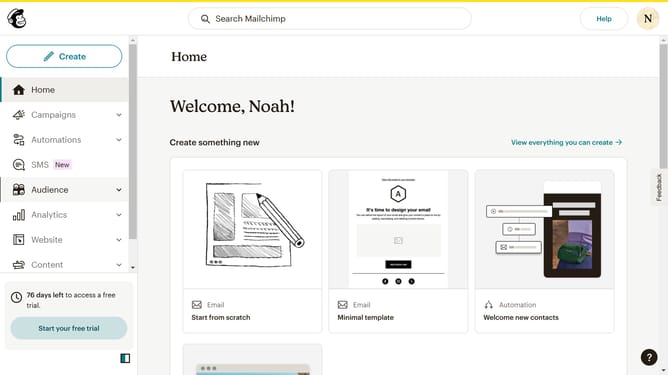
- First click on "Audience" item in the left sidebar menu
- Then click on "Surveys" link in the expanded Audience menu
- Next click on "Create new survey" button in the top right corner
- Then click on the survey name input field
- Next enter "Sample Survey" in the survey name field
- Then click on the Audience dropdown menu
- Next click on "Begin" button to start creating the survey
- Then click on the "Add question" button in the center of the question types slider
- Finally select the "Open text" button in the question types dropdown menu
Why should you insert an open text block on a survey in Mailchimp
Mailchimp is a powerful, all-in-one marketing platform that helps businesses reach their audience effectively.
The open text block feature in Mailchimp surveys allows respondents to provide detailed, personalized feedback.
This flexibility encourages more meaningful responses, giving you deeper insights into customer opinions and preferences.
Incorporating open text blocks can significantly enhance survey quality by capturing nuanced data that multiple-choice answers might overlook.
Last update