How to filter campaigns to classic automation in Mailchimp
Here is how to filter campaigns to classic automation in mailchimp
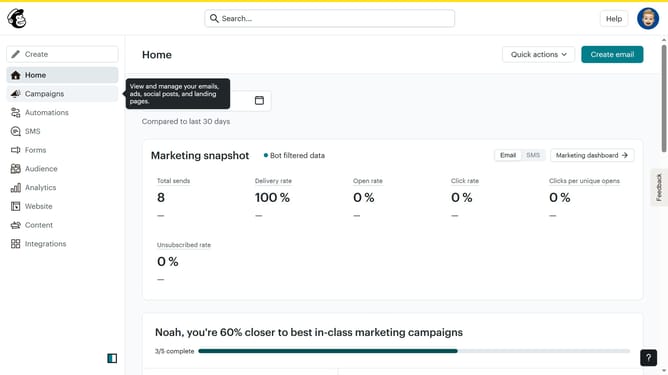
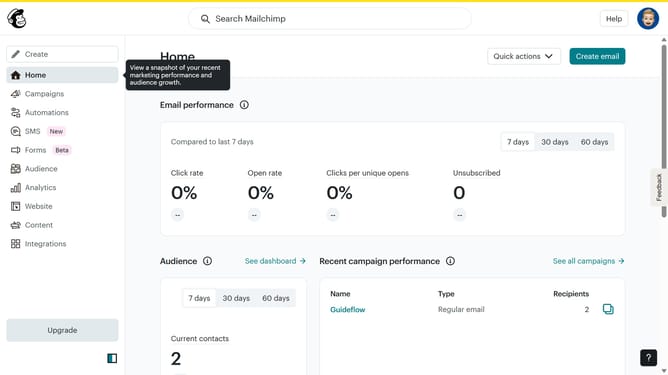
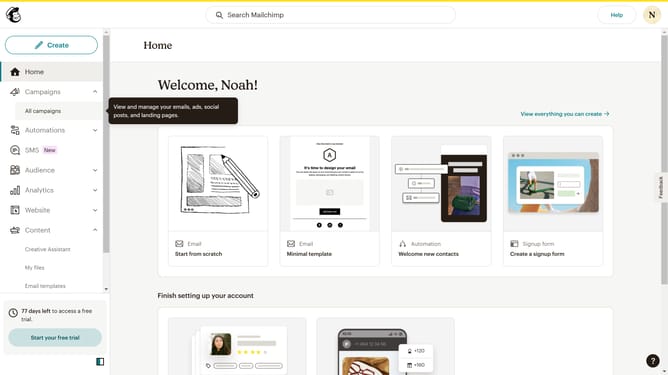
- First click on the "Campaign" button in the left sidebar navigation menu
- Then click on the "Type" dropdown filter in the campaign list header
- Finally select "Classic automation" option from the Type dropdown menu
Why should you filter campaigns to classic automation in Mailchimp
Mailchimp is a versatile platform designed to streamline email marketing and automation.
One of its standout features is the ability to filter campaigns to classic automation easily.
This functionality allows users to seamlessly transition from basic campaign setups to more sophisticated, automated workflows.
Using this feature enhances the efficiency of your marketing strategies, saving time and ensuring that messages reach the right audience at optimal times.
Last update